Advertisement
Daily routines at home
Casual use during free time
While shopping or traveling
Advertisement
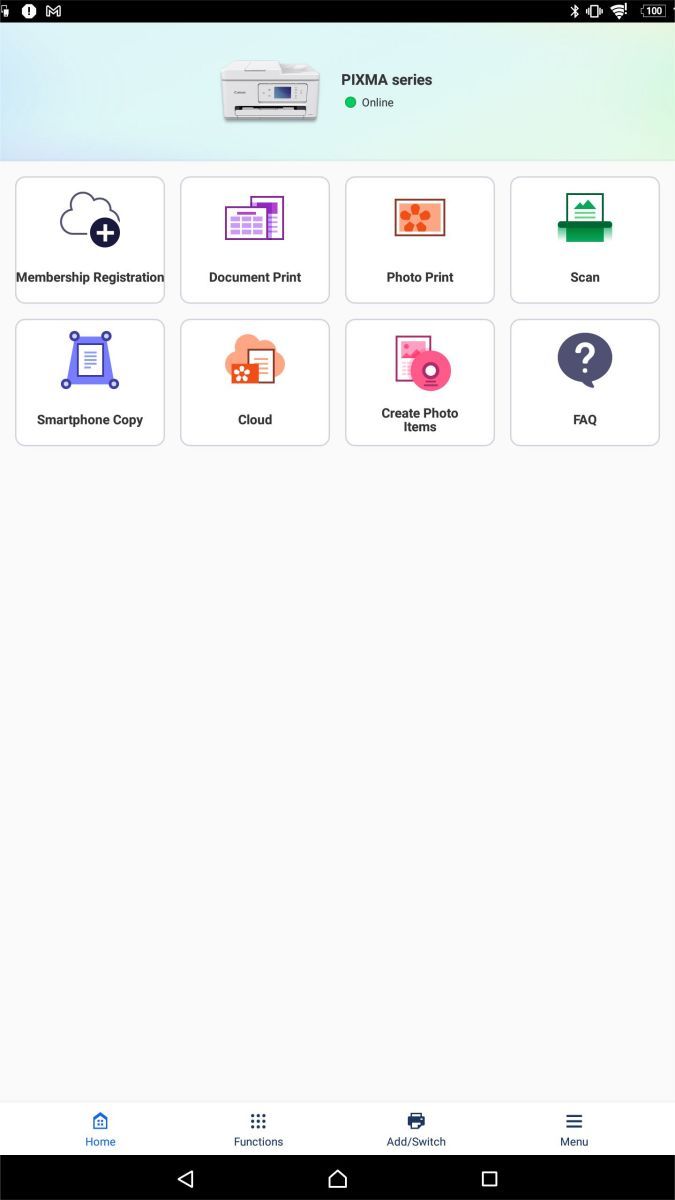
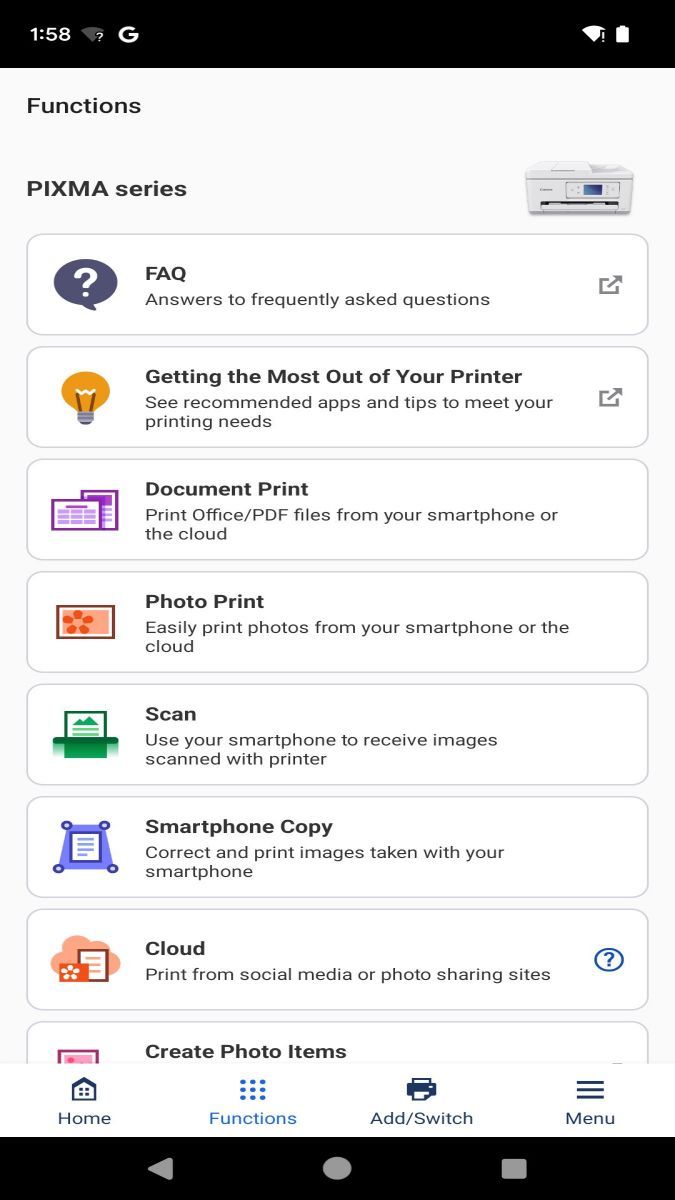
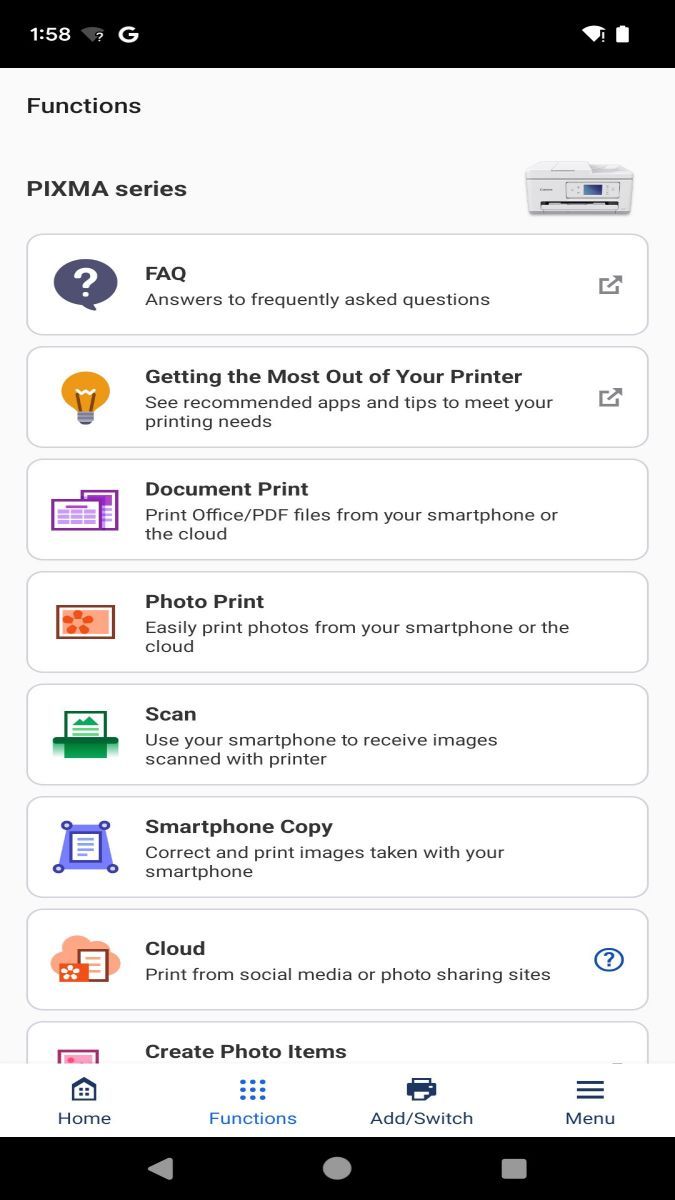
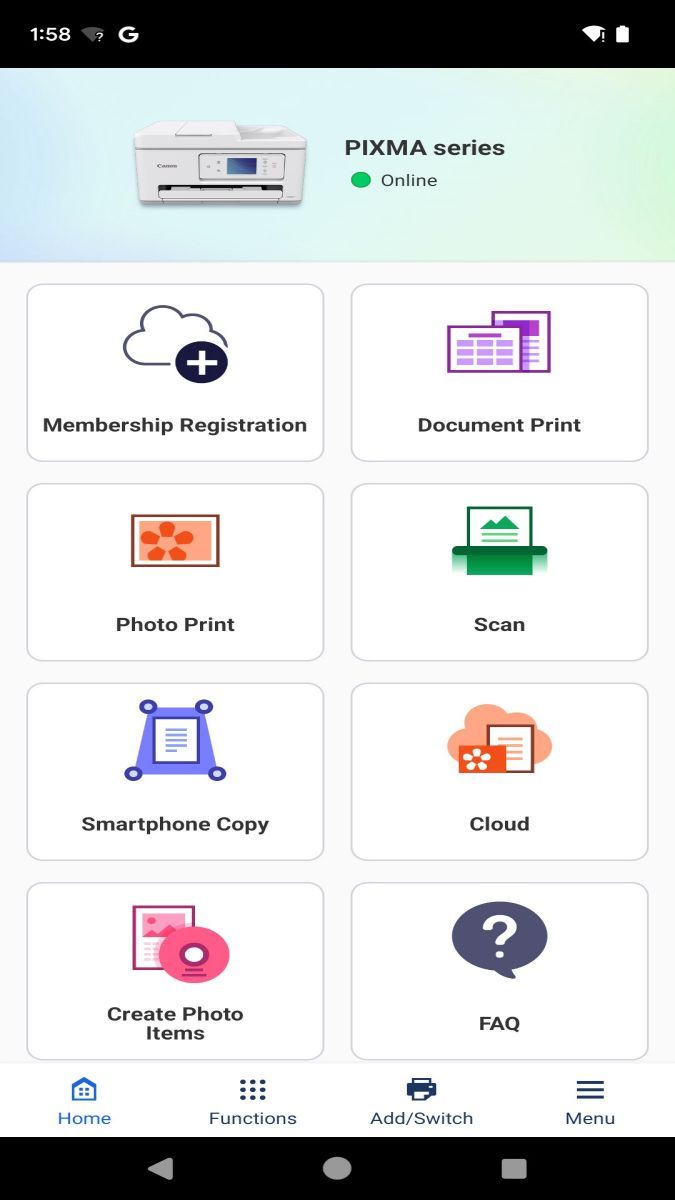
Canon PRINT is a must-have app for photography enthusiasts and professionals who want to take their printing experience to the next level. This app offers a range of features that make it easier to print your photos directly from your mobile device, ensuring that your memories are brought to life with stunning clarity and color.
One of the core functions of Canon PRINT is the ability to wirelessly print photos from your smartphone or tablet. Whether you're at home, in the office, or on the go, you can easily send your images to a compatible Canon printer and have them printed in no time. This convenience is perfect for capturing and preserving special moments without the need for a computer.
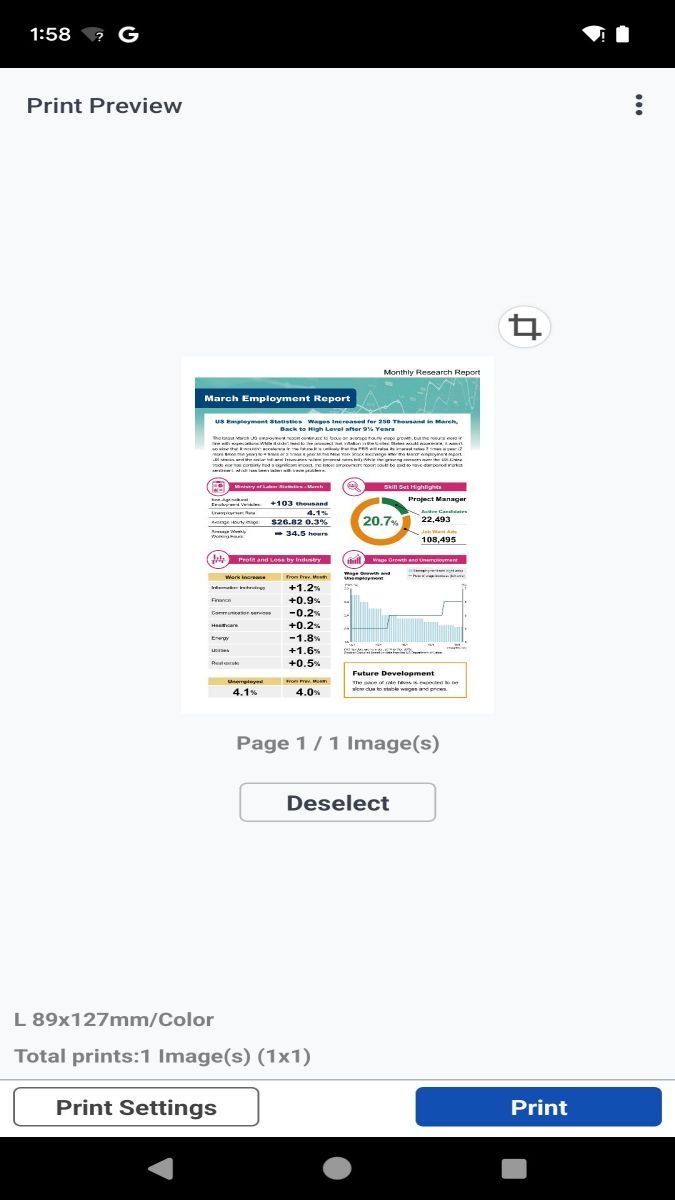
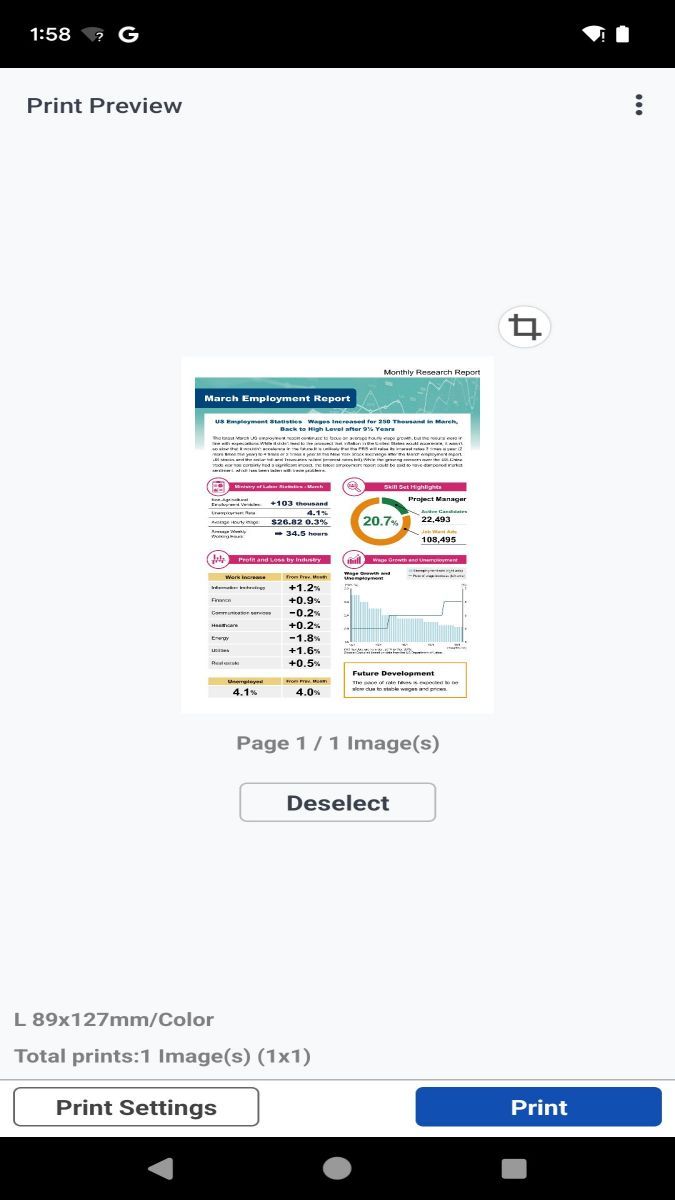
Moreover, Canon PRINT allows you to unleash your creativity with various printing options. You can choose different paper sizes, layouts, and even add filters or effects to your photos before printing. This flexibility ensures that your prints are customized to your preferences, making each piece truly unique.
With Canon PRINT, the process of printing photos becomes seamless and hassle-free. The intuitive interface guides you through the printing steps, making it easy for both beginners and experienced users to produce high-quality prints. The app's reliability and efficiency ensure that your images are reproduced with the utmost precision and detail, capturing every aspect of your original shot.
Canon PRINT is ideal for various scenarios, such as printing vacation photos to share with family and friends, creating professional portfolios for clients, or producing physical copies of your favorite snapshots for display. Whether you're a casual photographer or a seasoned pro, this app is designed to meet your printing needs with ease.
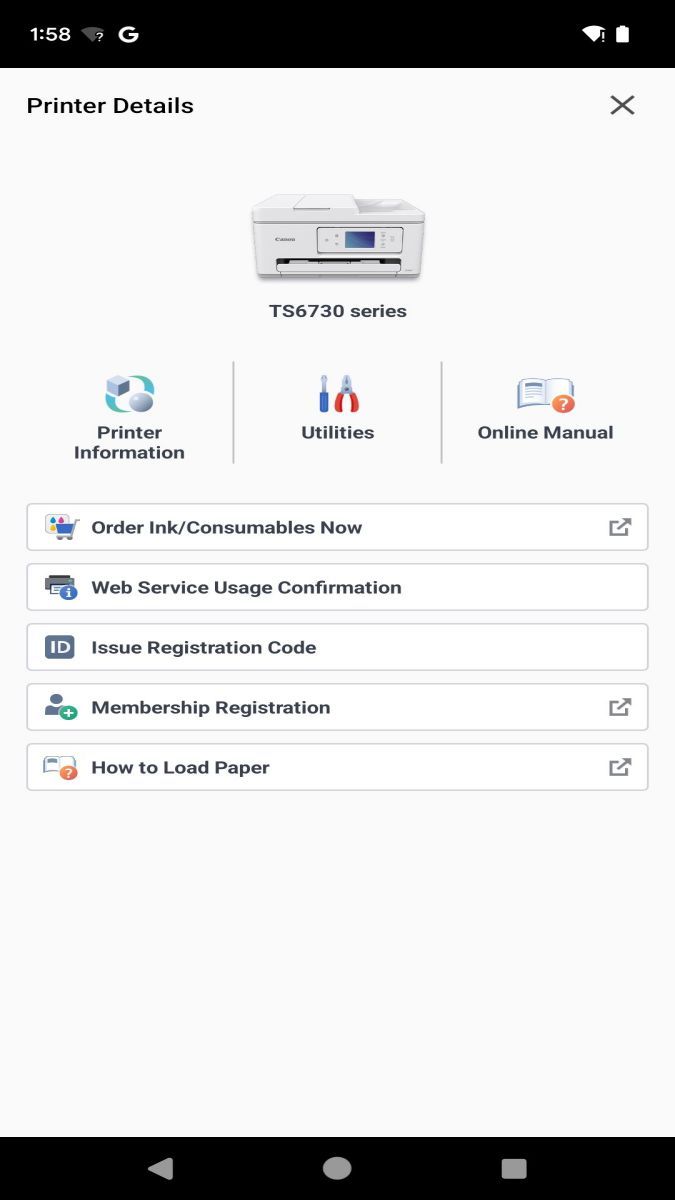
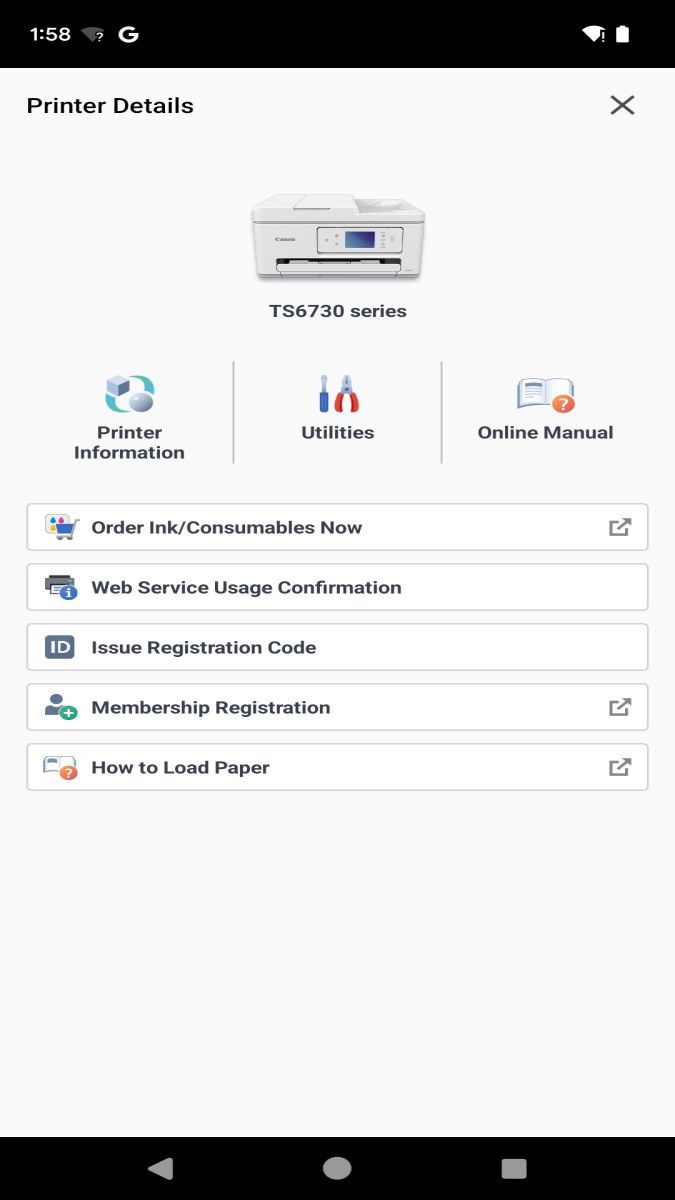
One of the standout features of Canon PRINT is its seamless integration with Canon printers, ensuring optimal performance and compatibility. Additionally, the app's constant updates and support for new printer models guarantee that you always have access to the latest printing technologies and enhancements.
While Canon PRINT offers a wide range of functionalities and benefits, users should ensure that their Canon printer is compatible with the app to maximize its capabilities. It's also important to have a stable wireless connection for smooth printing operations and to regularly update the app to access new features and improvements.
In conclusion, Canon PRINT is a versatile and user-friendly app that elevates your printing experience to new heights. Whether you're printing personal photos or professional projects, this app delivers exceptional results with ease and convenience.
Advertisement
Access methods may vary depending on your device and environment. Some users may see standard installation flows, while others might be guided through web-based or alternative access points.
Availability can depend on factors such as system version, regional settings, and how the app is distributed, so the experience may differ across users.
Most apps involve a basic setup or loading process before use. The exact steps may vary depending on how the app is accessed, but they are generally designed to be straightforward.
Different apps follow different access models. Some experiences may be open to start with, while additional content or options may vary depending on how the app is structured.
Apps in this category often evolve over time, with content or experience adjusting based on updates or usage patterns.