Advertisement
Daily routines at home
Casual use during free time
While shopping or traveling
Advertisement
Dropbox is a leading cloud storage solution that provides a secure and efficient way for office users to store, share, and access their files from anywhere. With its user-friendly interface and robust features, Dropbox has become a go-to platform for individuals and teams looking to streamline their workflow and collaborate seamlessly.
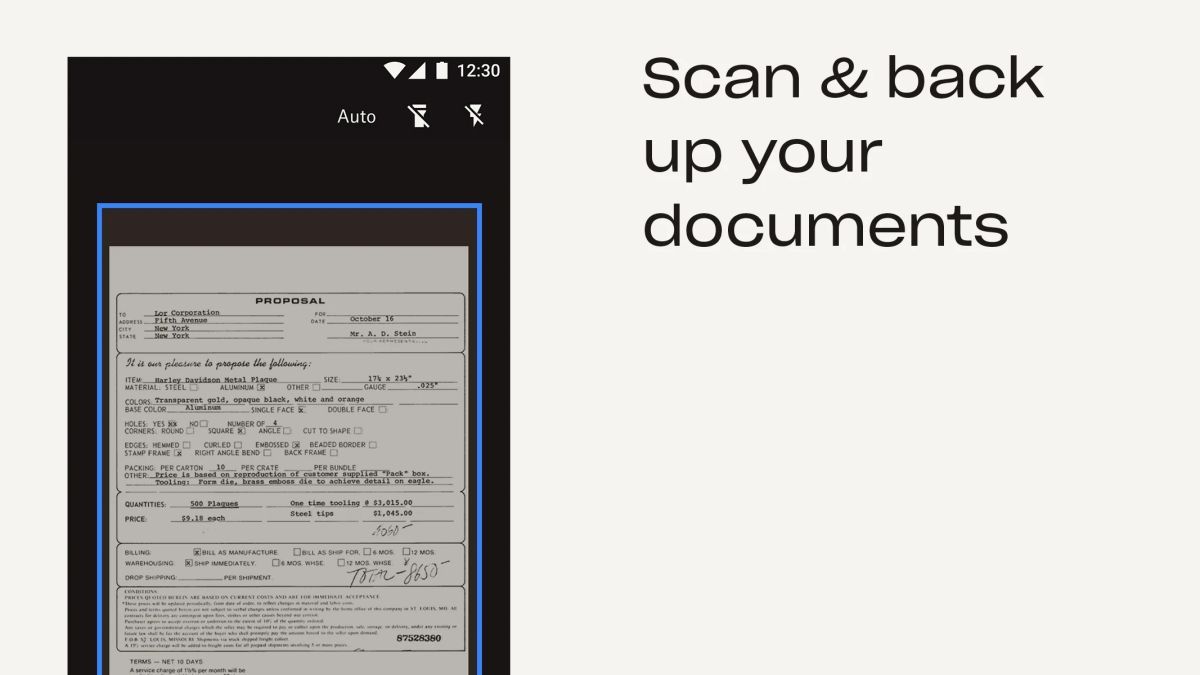
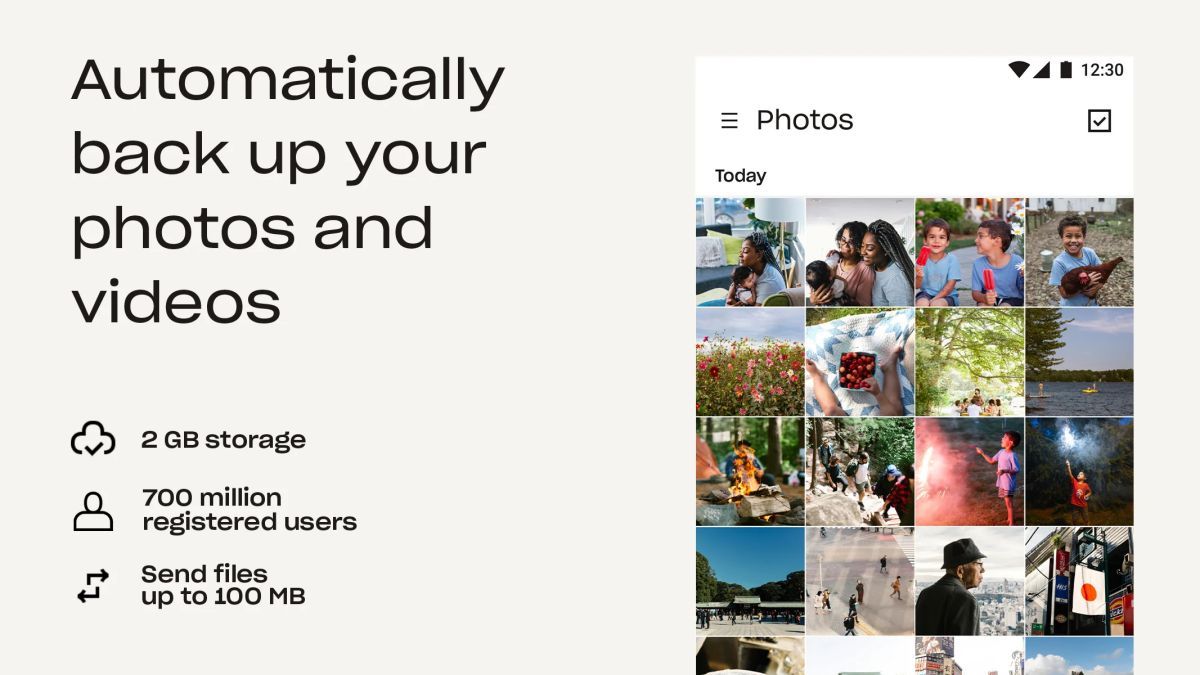
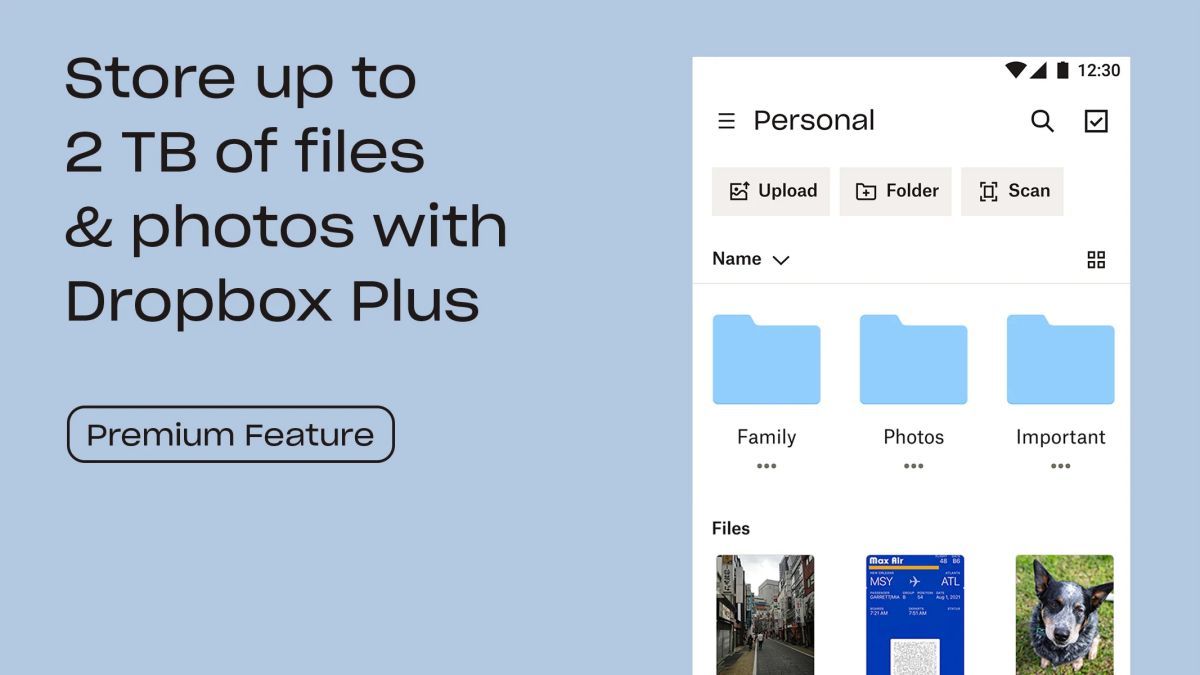
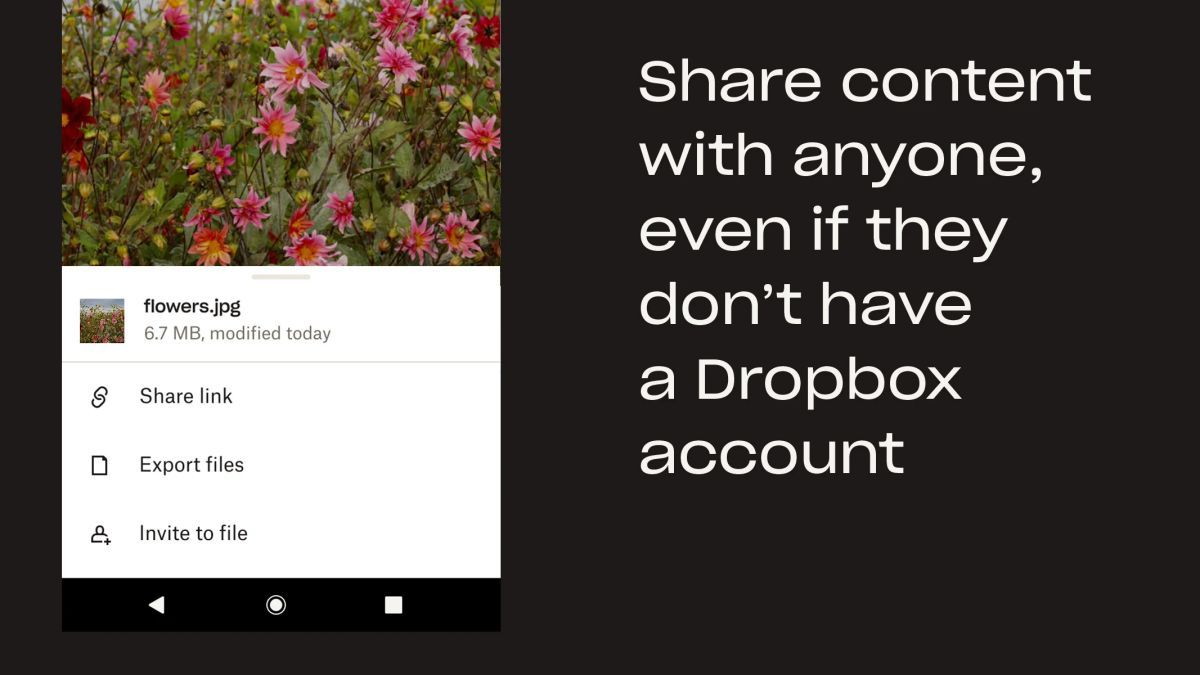
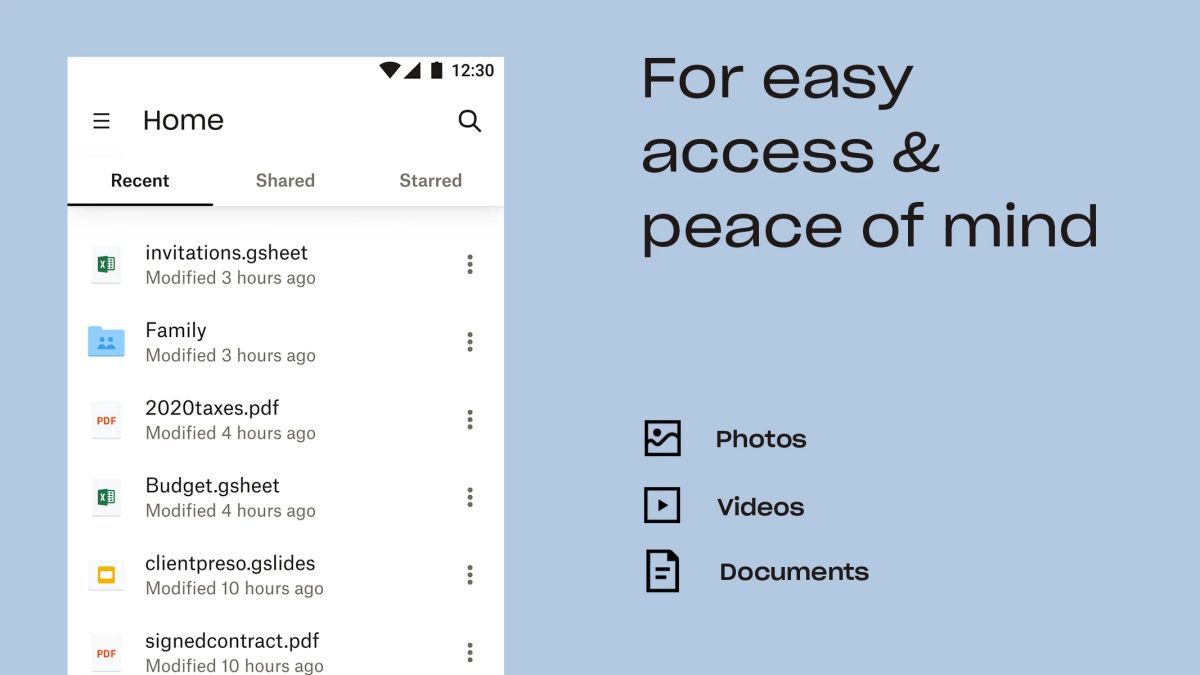
Dropbox offers a range of features designed to enhance productivity and simplify file management. Users can upload various file types, including documents, images, and videos, and access them on any device. The platform also allows for easy sharing and collaboration, making it ideal for teams working on projects together.
One of the key advantages of Dropbox is its seamless integration with popular office productivity tools like Microsoft Office and Google Workspace. This integration enables users to edit documents, spreadsheets, and presentations directly within Dropbox, eliminating the need to switch between multiple applications.
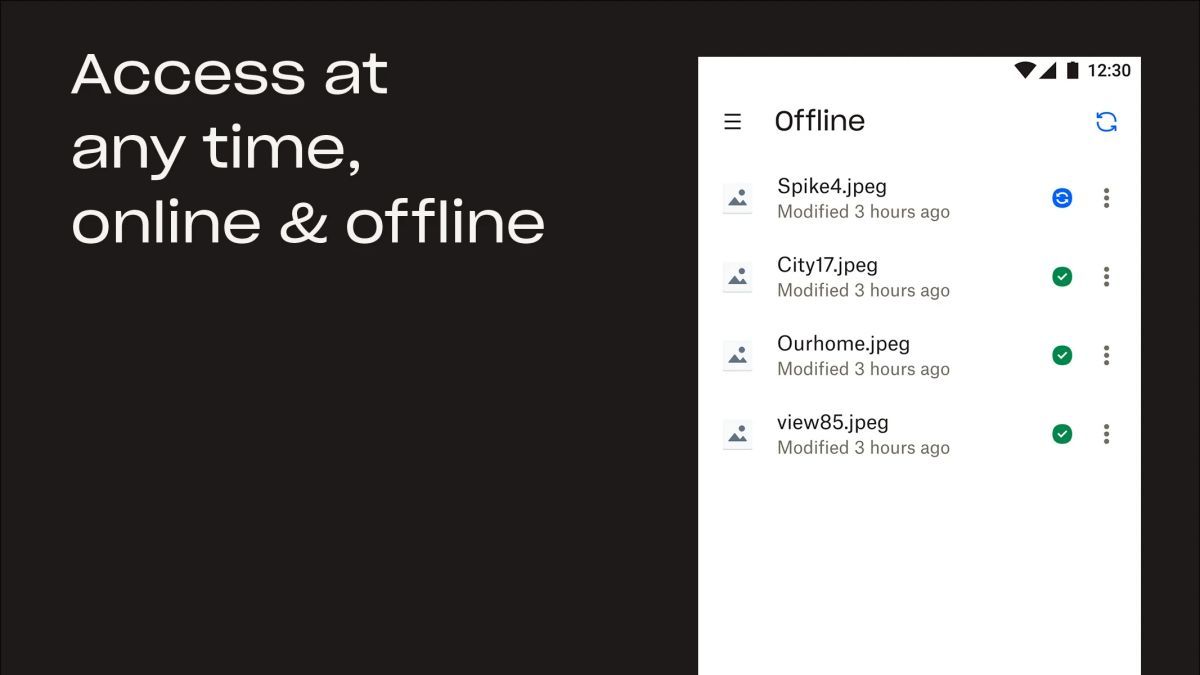
Furthermore, Dropbox's file synchronization capabilities ensure that users always have the latest version of their files, whether they are working from their desktop, laptop, or mobile device. This real-time syncing feature enhances collaboration and prevents version control issues.
Office users can leverage Dropbox in various scenarios, such as:
What sets Dropbox apart is its commitment to security and data privacy. The platform employs advanced encryption protocols to protect user data, giving businesses and individuals peace of mind when storing sensitive information in the cloud. Additionally, Dropbox's intuitive interface and seamless cross-platform compatibility make it easy for users to adopt and incorporate into their daily workflow.
While Dropbox offers a range of powerful features, users should be mindful of their storage limits, especially when dealing with large files or extensive collaboration projects. Additionally, internet connectivity is crucial for real-time syncing and accessing files on the go, so users in areas with unreliable internet may experience limitations in functionality.
Overall, Dropbox remains a top choice for office users seeking a secure and reliable cloud storage solution that enhances collaboration and productivity.
Advertisement
Access methods may vary depending on your device and environment. Some users may see standard installation flows, while others might be guided through web-based or alternative access points.
Availability can depend on factors such as system version, regional settings, and how the app is distributed, so the experience may differ across users.
Most apps involve a basic setup or loading process before use. The exact steps may vary depending on how the app is accessed, but they are generally designed to be straightforward.
Different apps follow different access models. Some experiences may be open to start with, while additional content or options may vary depending on how the app is structured.
Apps in this category often evolve over time, with content or experience adjusting based on updates or usage patterns.