Advertisement
Daily routines at home
Casual use during free time
While shopping or traveling
Advertisement
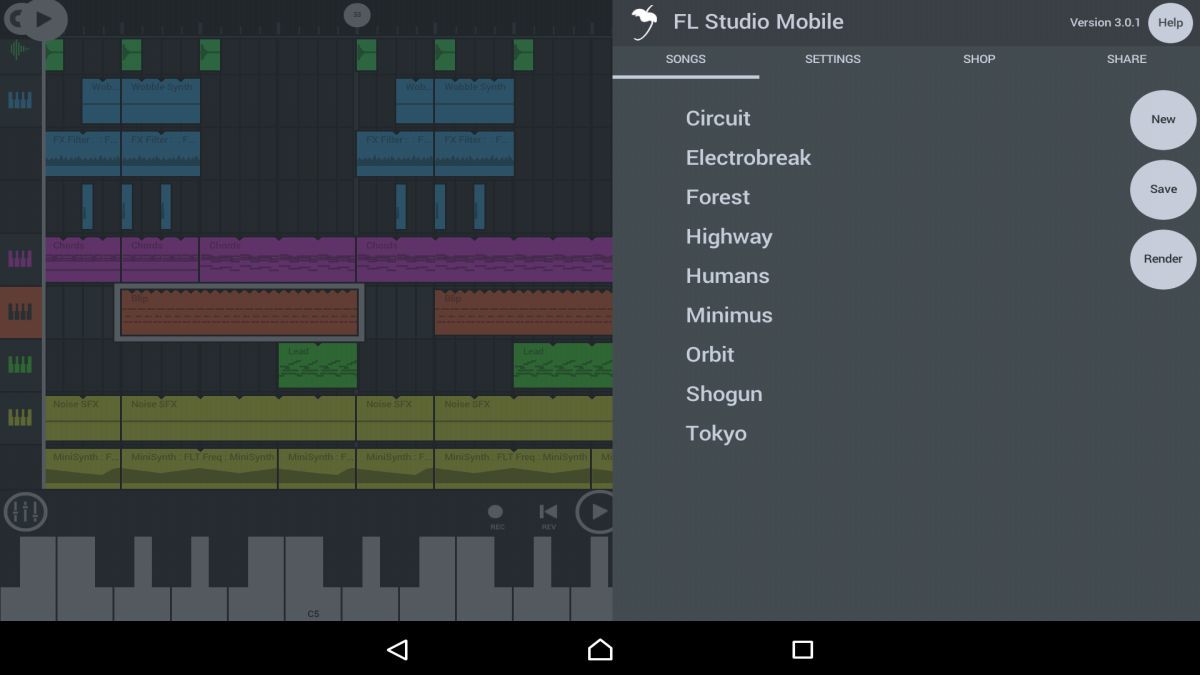
FL Studio Mobile is a powerful music production app that allows you to create, edit, and mix your music on the go. Whether you are a professional musician, a budding producer, or just someone who enjoys making music as a hobby, this app provides you with all the tools you need to unleash your creativity and produce high-quality tracks directly from your mobile device.
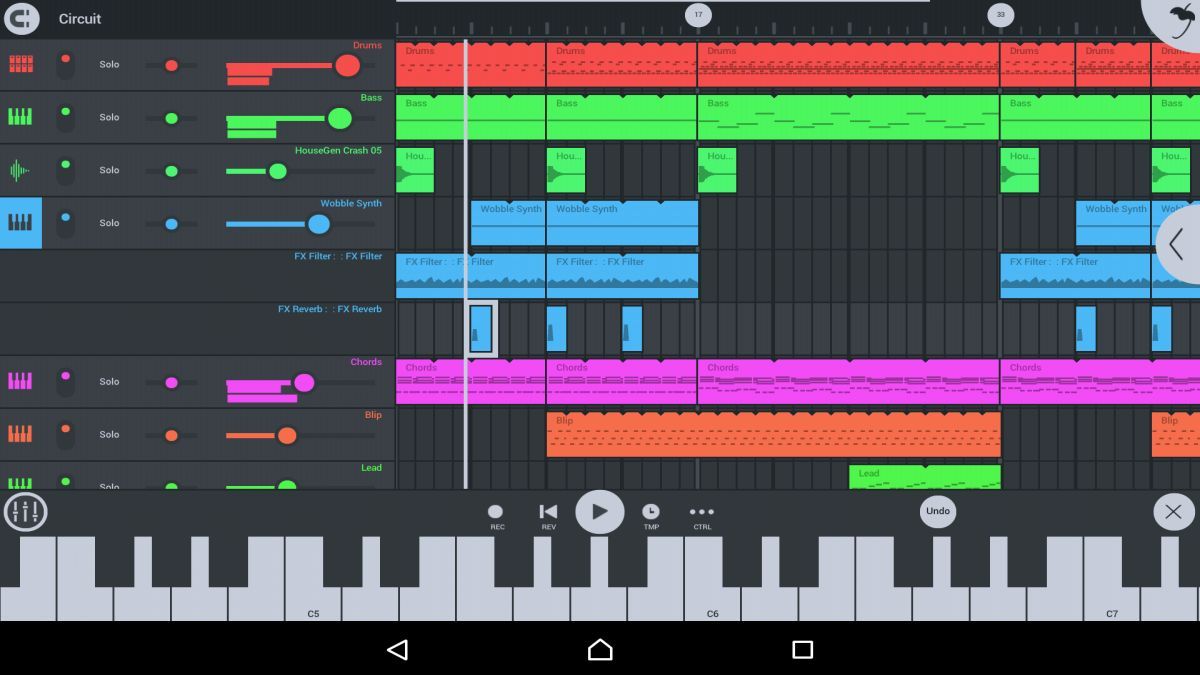
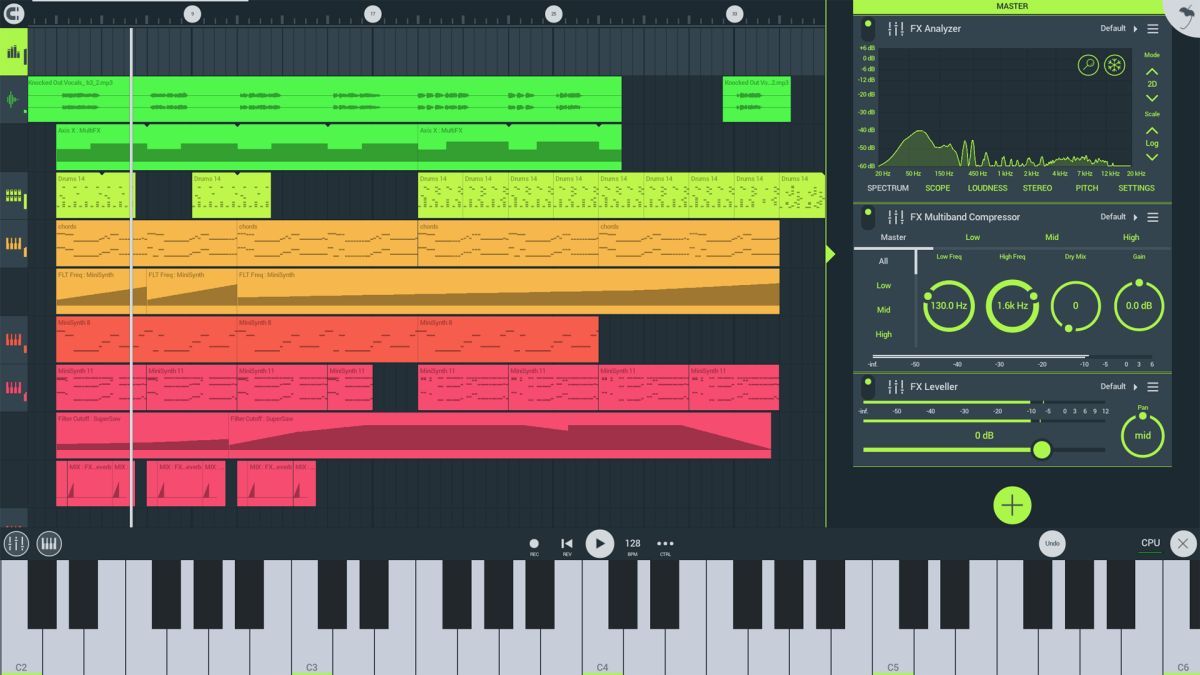
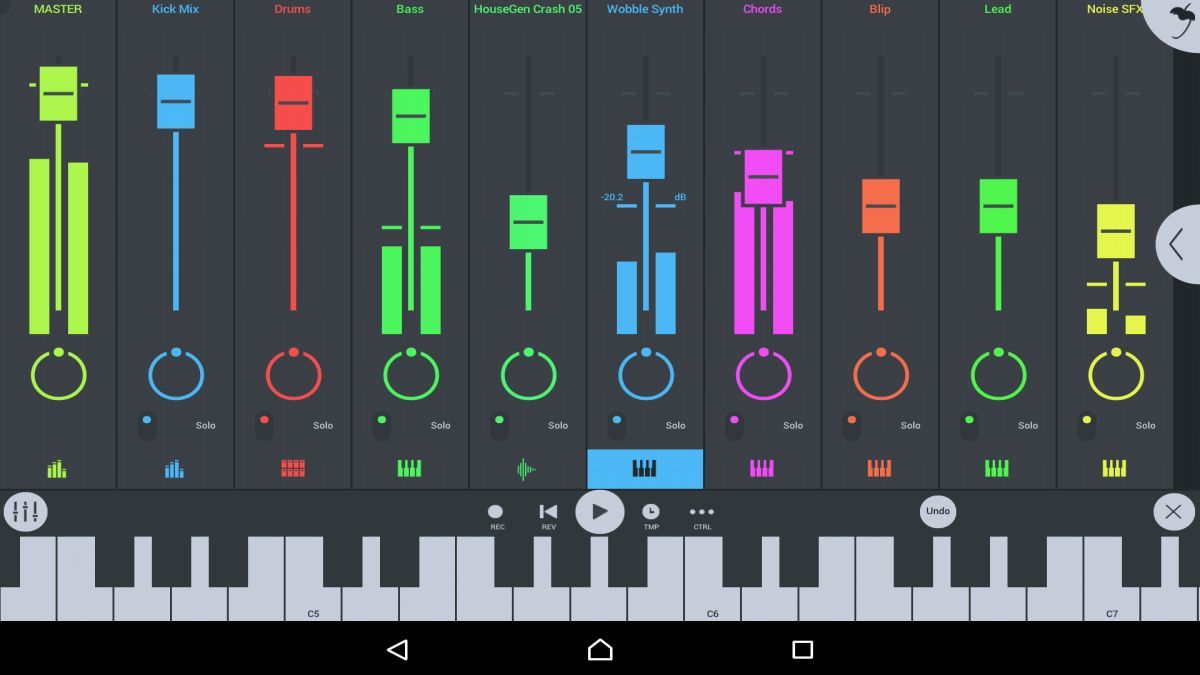
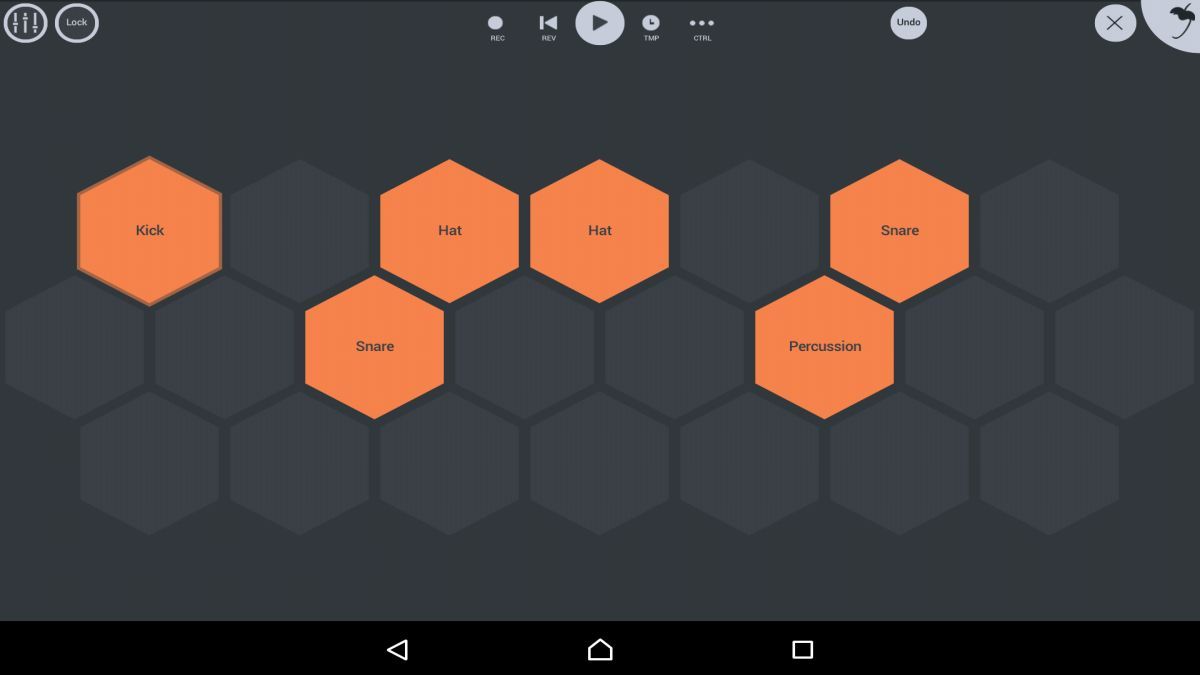
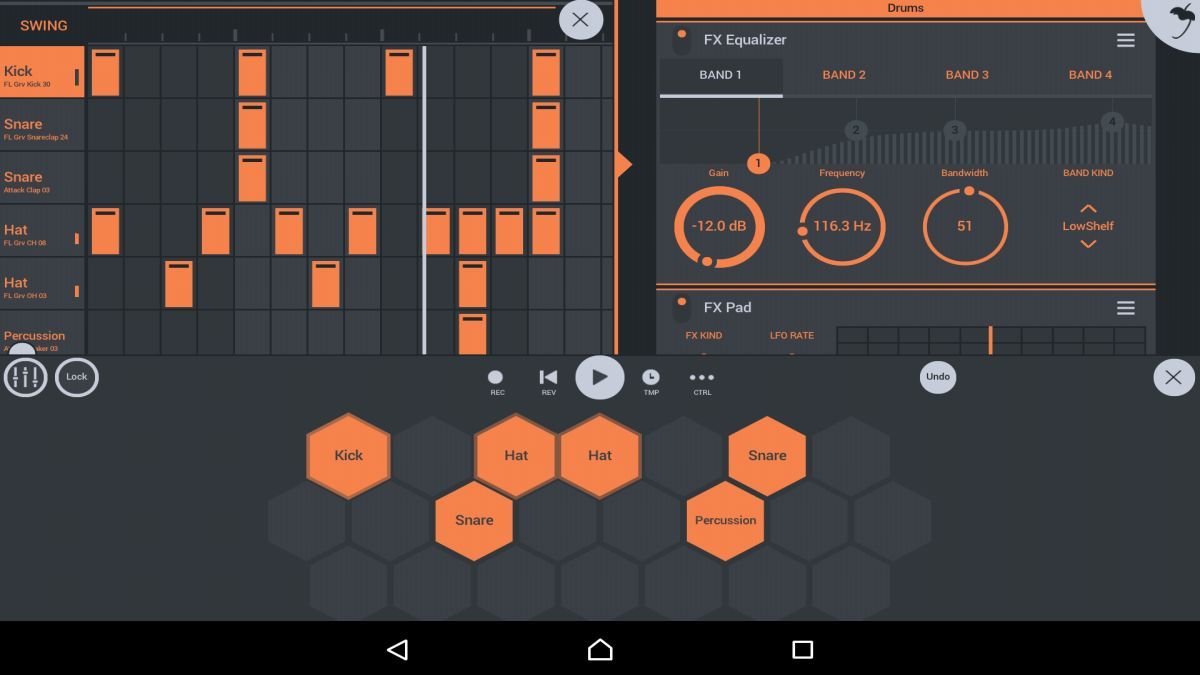
With FL Studio Mobile, you can compose, arrange, and mix your music using a wide range of virtual instruments, effects, and sound generators. The app supports multiple tracks, audio recording, MIDI sequencing, and editing capabilities, making it a comprehensive music production studio that fits in the palm of your hand.
The app's intuitive interface and powerful features allow both beginners and experienced musicians to create professional-sounding music with ease. You can work on your projects anywhere, whether you're traveling, in the studio, or simply relaxing at home. FL Studio Mobile provides a seamless workflow that ensures a smooth and enjoyable music production experience.
FL Studio Mobile is perfect for musicians who want to sketch out ideas, create demos, or even produce full tracks while on the move. It's also a valuable tool for DJs looking to mix and remix tracks live, as well as for music producers who need a portable solution for music production outside of their studio.
One of the standout features of FL Studio Mobile is its extensive library of high-quality samples, loops, and presets that cover a wide range of musical genres. The app also offers seamless integration with the desktop version of FL Studio, allowing you to start a project on your mobile device and continue working on it on your computer.
While FL Studio Mobile is a powerful music production tool, it may have limitations in terms of screen size and processing power compared to a full-fledged desktop setup. It's important to keep in mind that while the app offers a wide range of features, some advanced functionalities may be better suited for the desktop version of FL Studio.
Advertisement
Access methods may vary depending on your device and environment. Some users may see standard installation flows, while others might be guided through web-based or alternative access points.
Availability can depend on factors such as system version, regional settings, and how the app is distributed, so the experience may differ across users.
Most apps involve a basic setup or loading process before use. The exact steps may vary depending on how the app is accessed, but they are generally designed to be straightforward.
Different apps follow different access models. Some experiences may be open to start with, while additional content or options may vary depending on how the app is structured.
Apps in this category often evolve over time, with content or experience adjusting based on updates or usage patterns.