Advertisement
Daily routines at home
Casual use during free time
While shopping or traveling
Advertisement
Are you looking for a reliable and efficient scanning app for all your document needs? Look no further than iScanner: PDF Scanner App. This powerful tool is designed to simplify the way you scan, store, and share your documents, making it a must-have for professionals, students, and anyone who values productivity on the go.
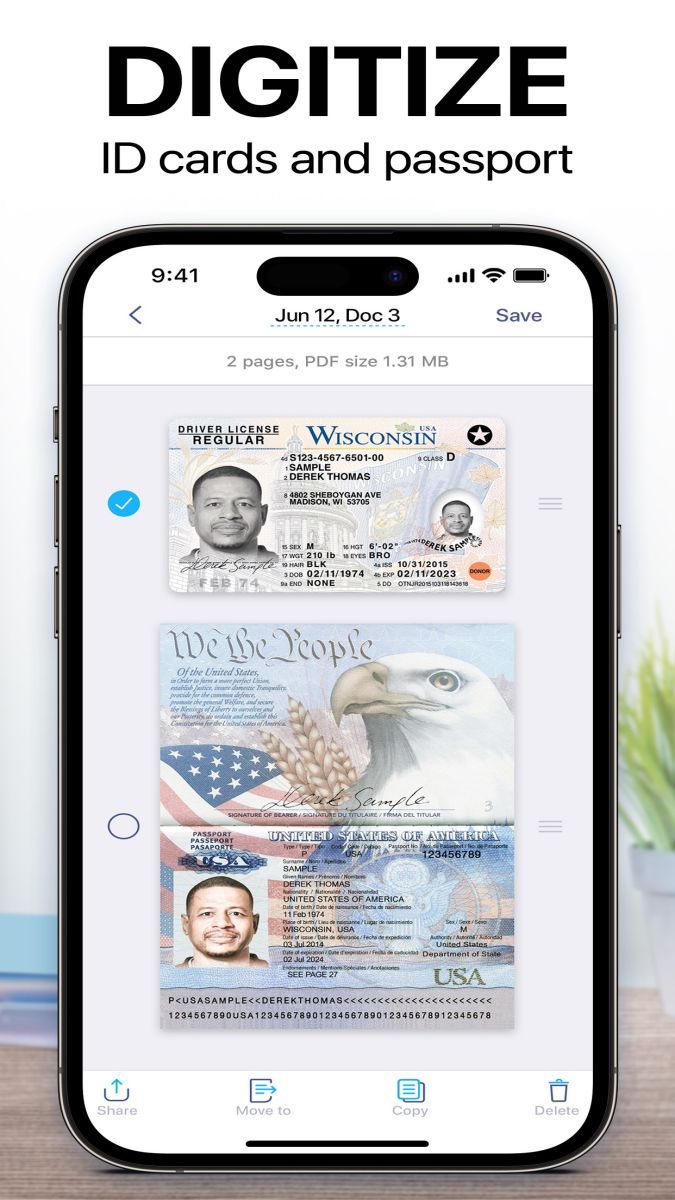
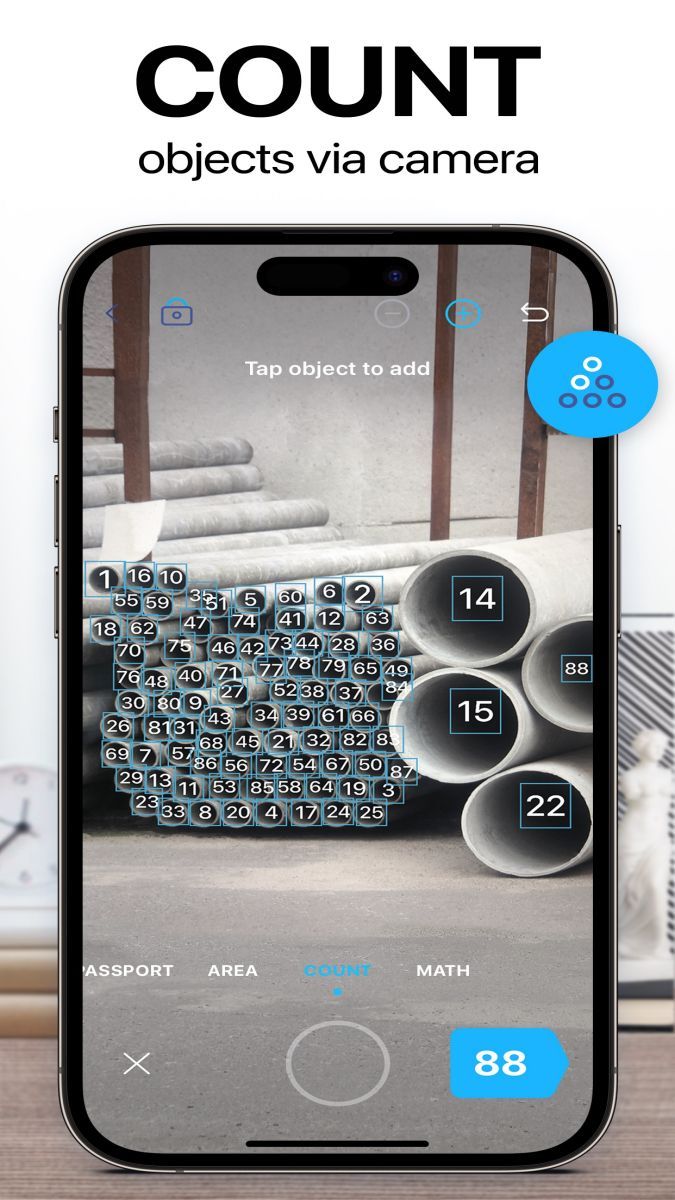
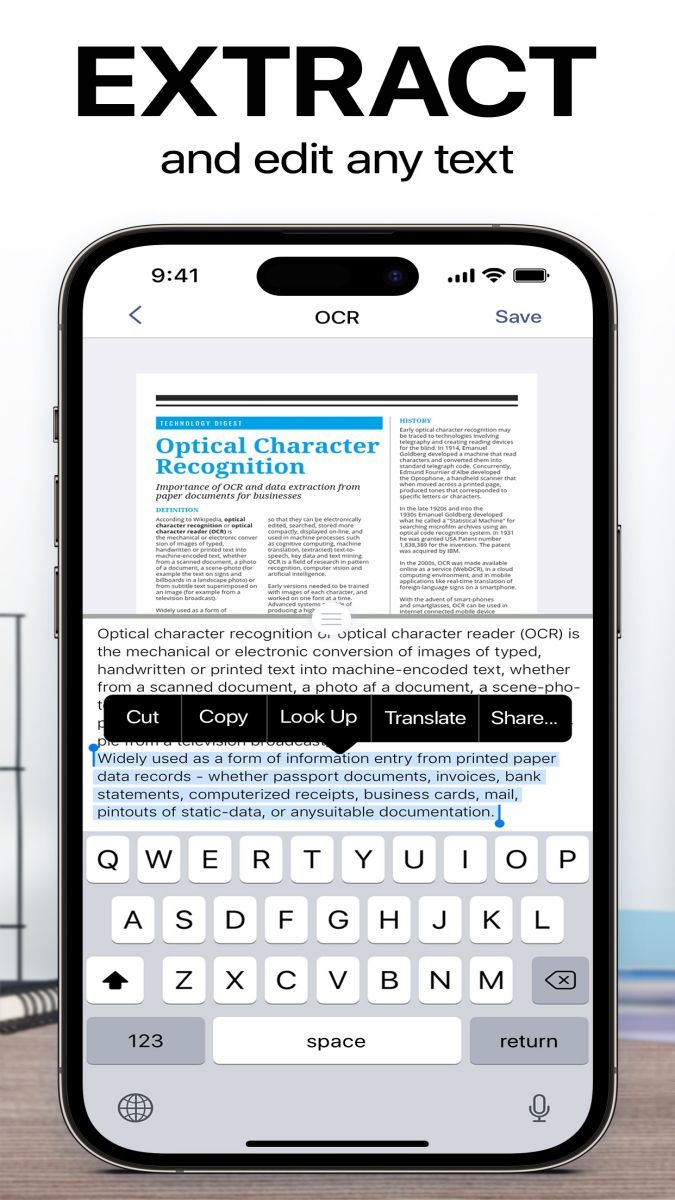
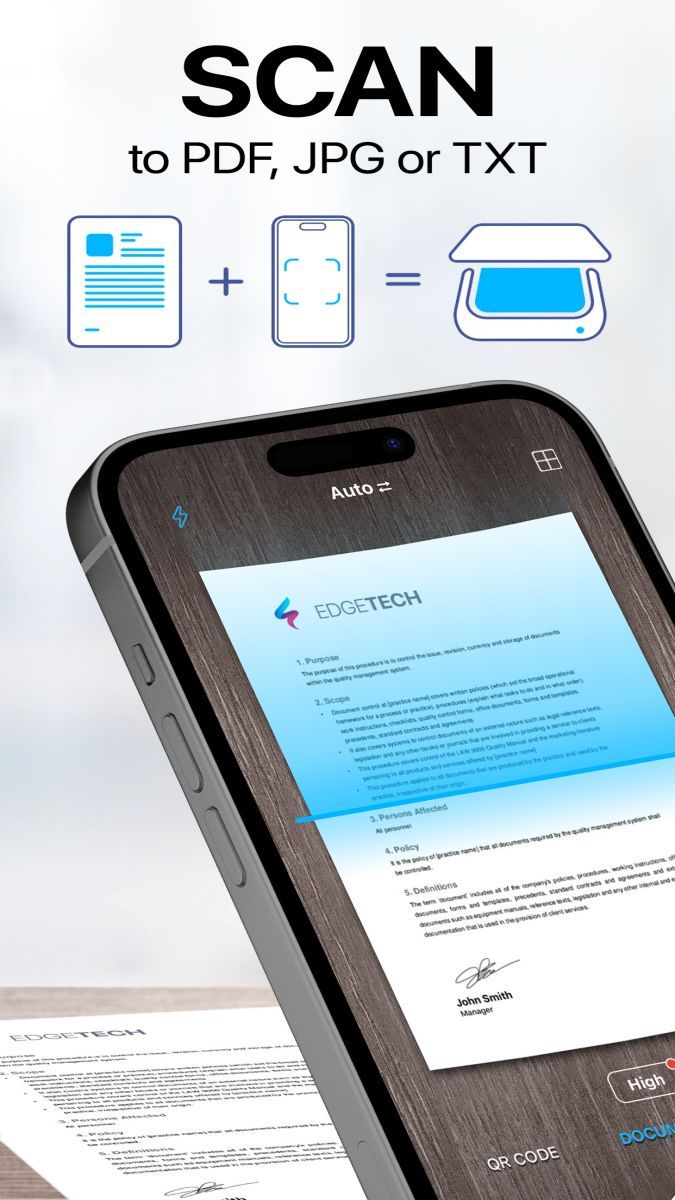
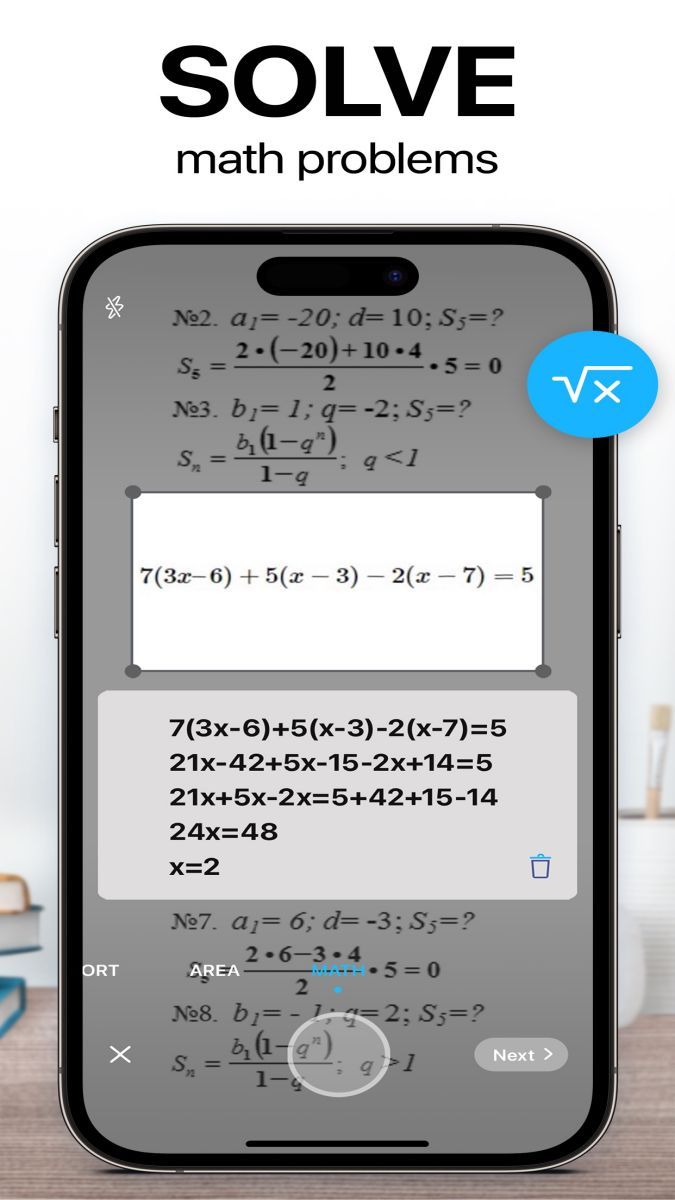
iScanner offers a wide range of features to meet your scanning needs. From scanning documents, receipts, business cards, to converting them into PDF or image formats, this app does it all with ease. The OCR (optical character recognition) technology allows you to extract text from scanned documents, making it easy to search, edit, and share the content.
With iScanner, you can say goodbye to bulky scanners and tedious manual document processing. The app provides a quick and efficient way to digitize your paperwork, helping you stay organized and productive wherever you are. The intuitive interface and seamless user experience ensure that scanning and managing documents is a breeze.
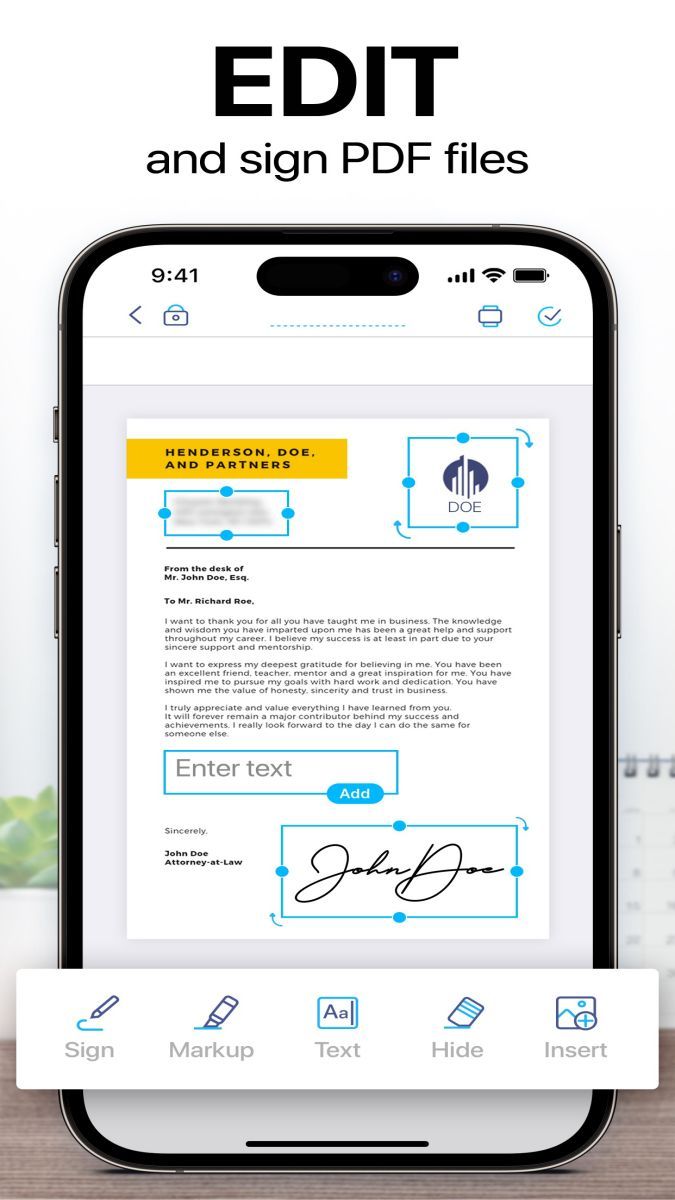
Whether you need to scan a contract for e-signing, capture notes from a whiteboard, or save important receipts for your records, iScanner is the perfect tool for the job. It is ideal for professionals who require document scanning on the go, students who want to digitize their notes, or anyone looking to reduce paper clutter in their life.
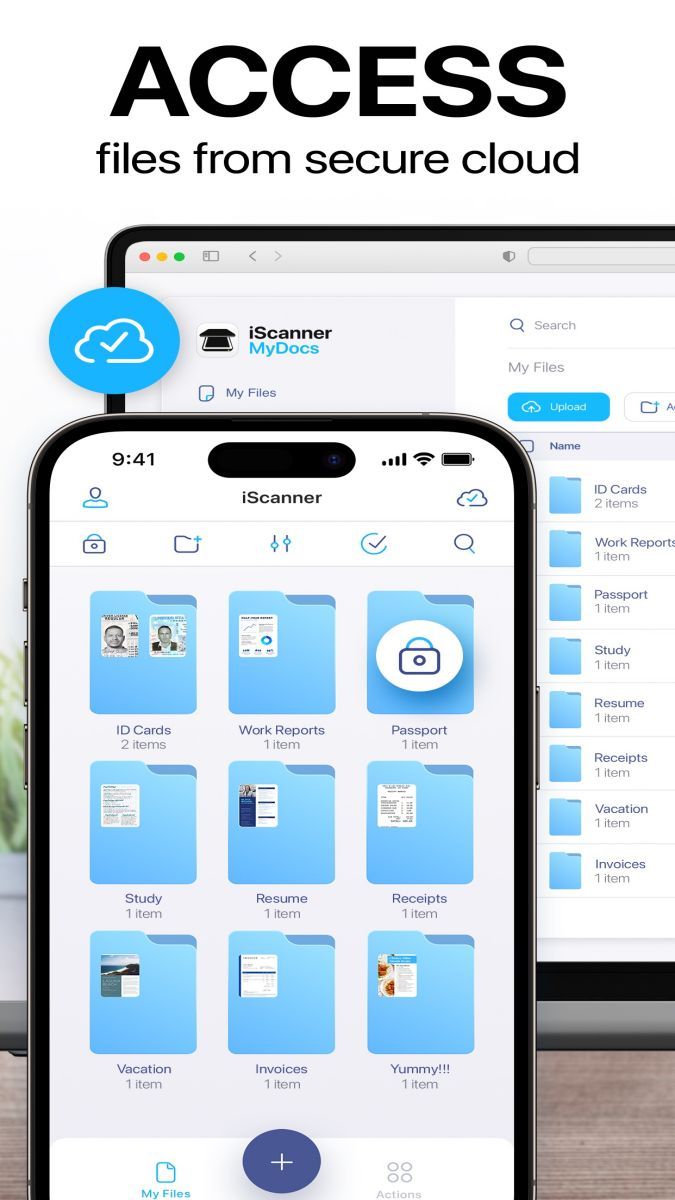
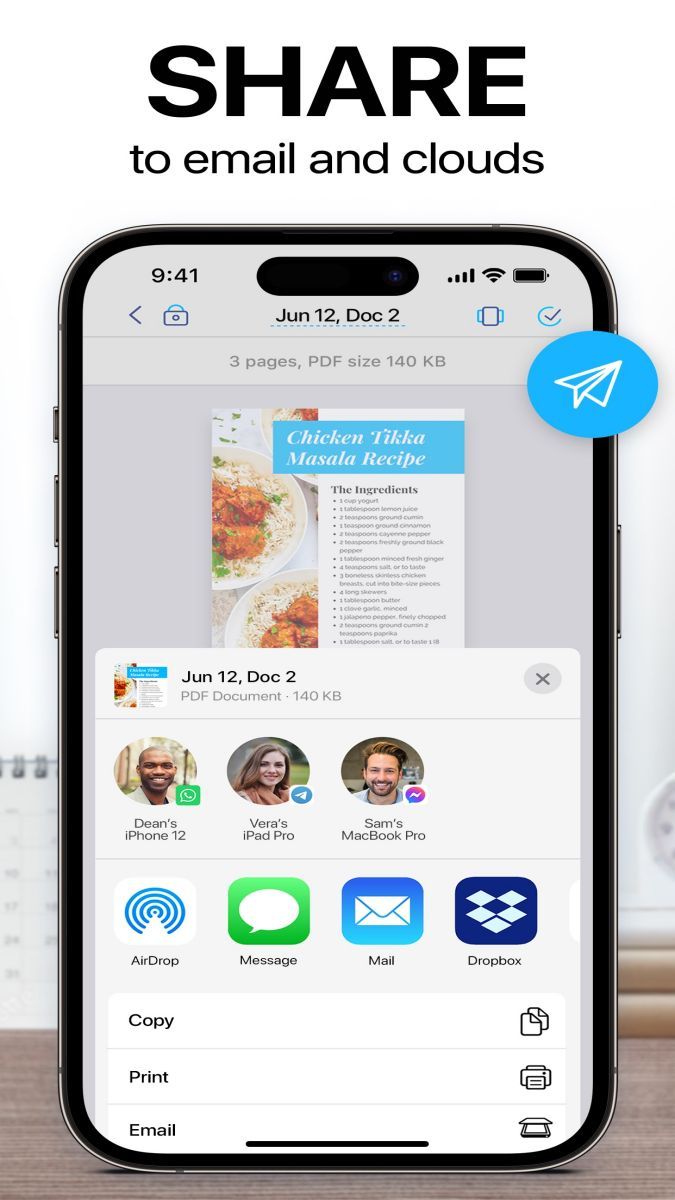
One of the standout features of iScanner is its ability to sync across multiple devices, allowing you to access your scanned documents from anywhere. The app also offers secure cloud storage options, so you can rest assured that your sensitive information is protected. Additionally, iScanner supports batch scanning, making it easy to process multiple documents in one go.
While iScanner is a versatile scanning app, it is important to note that certain advanced features may require a premium subscription. Users should also ensure good lighting conditions when scanning documents to achieve optimal results. It is recommended to explore the app's settings and customization options to tailor the scanning experience to your preferences.
Overall, iScanner: PDF Scanner App is a comprehensive solution for all your scanning and document management needs. With its powerful features, user-friendly interface, and seamless integration, this app is sure to enhance your productivity and streamline your workflow.
Advertisement
Access methods may vary depending on your device and environment. Some users may see standard installation flows, while others might be guided through web-based or alternative access points.
Availability can depend on factors such as system version, regional settings, and how the app is distributed, so the experience may differ across users.
Most apps involve a basic setup or loading process before use. The exact steps may vary depending on how the app is accessed, but they are generally designed to be straightforward.
Different apps follow different access models. Some experiences may be open to start with, while additional content or options may vary depending on how the app is structured.
Apps in this category often evolve over time, with content or experience adjusting based on updates or usage patterns.