Advertisement
Daily routines at home
Casual use during free time
While shopping or traveling
Advertisement
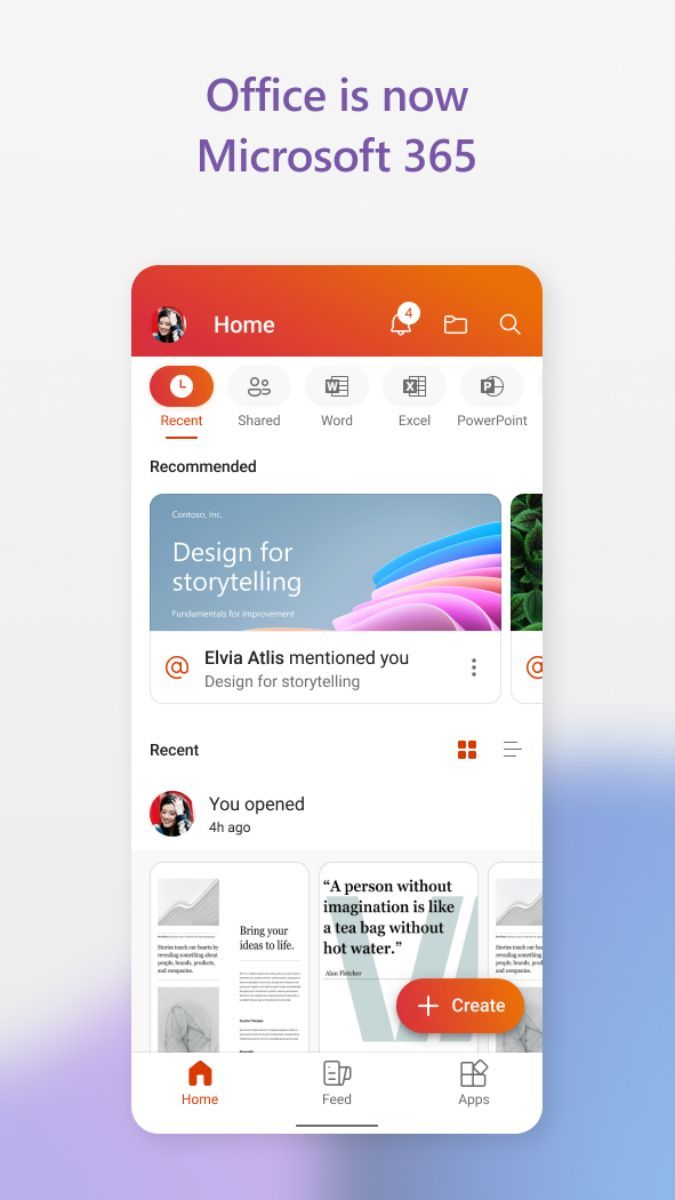
Microsoft 365, formerly known as Office 365, is a powerful suite of productivity tools designed to streamline work processes and enhance collaboration in the digital age. Tailored for both individuals and businesses, Microsoft 365 offers a comprehensive range of applications that are essential for everyday tasks.
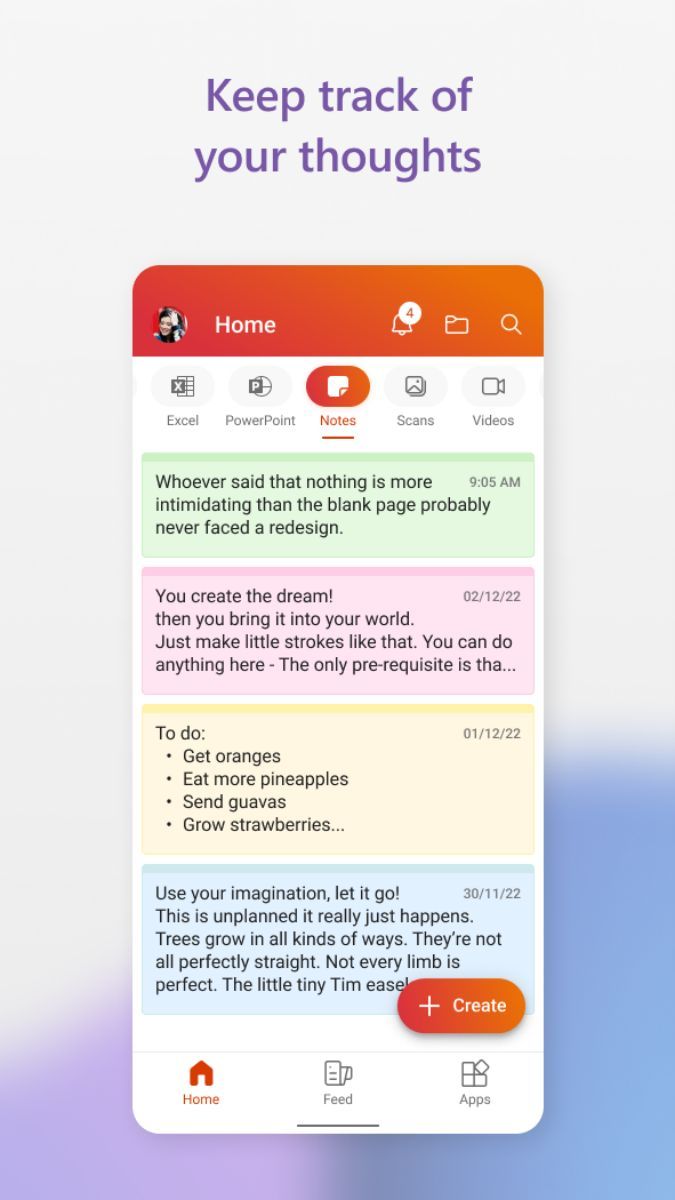
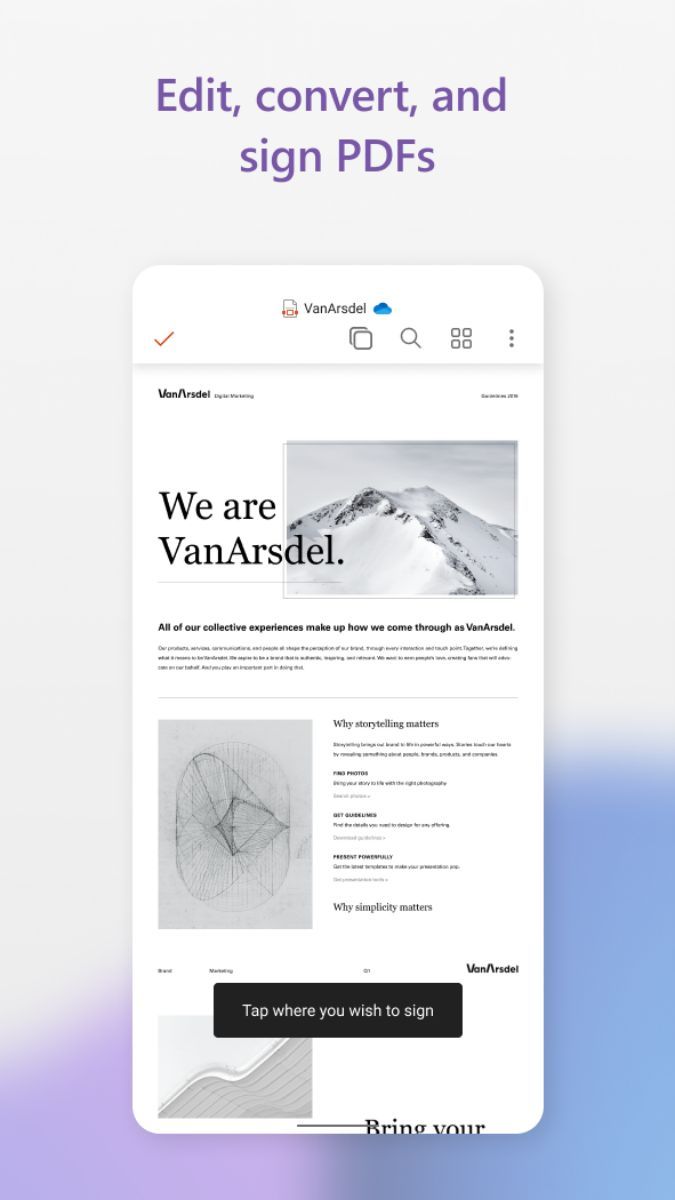
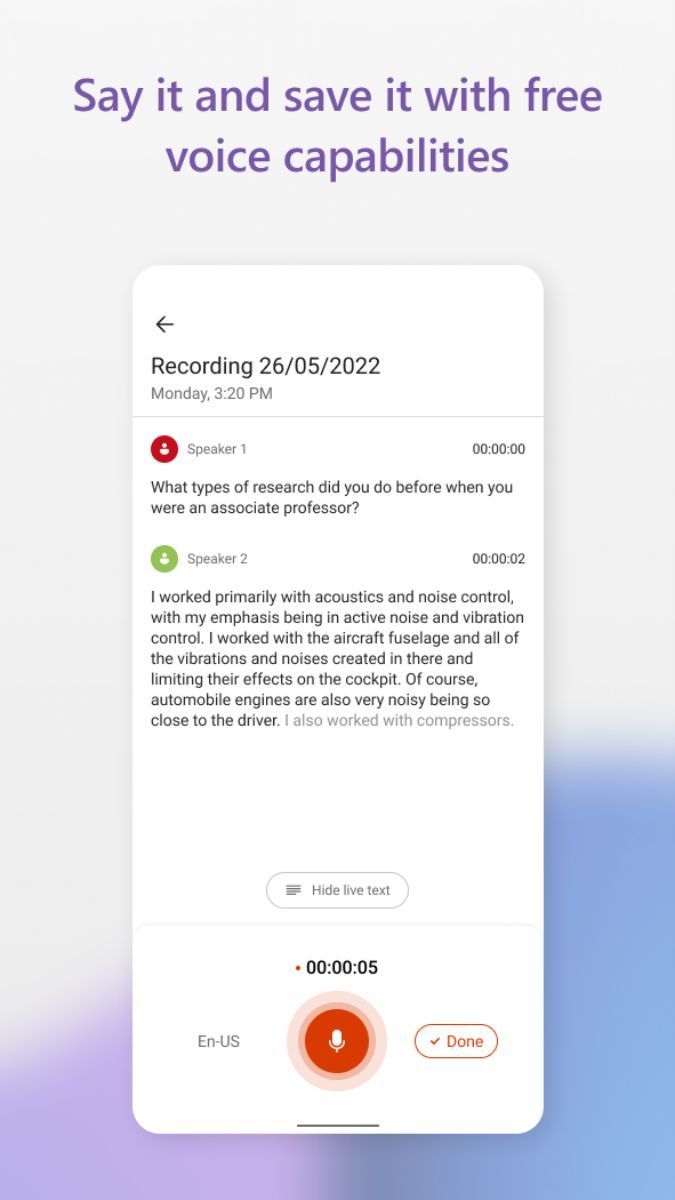
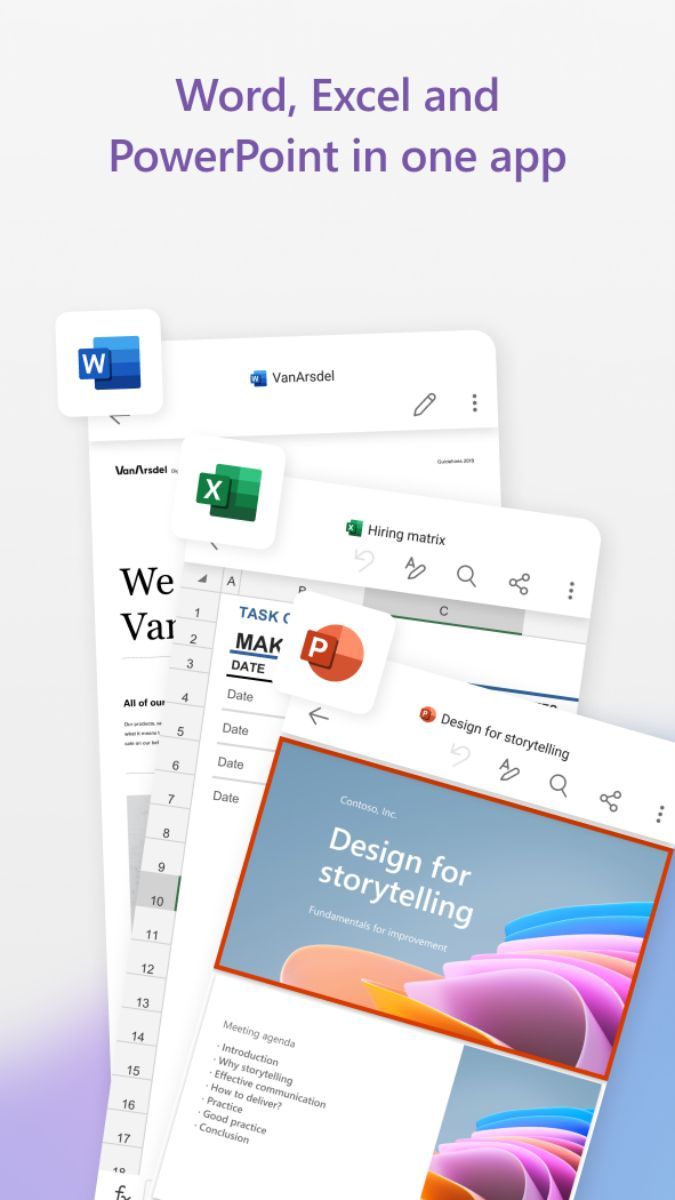
Microsoft 365 includes popular applications such as Word, Excel, PowerPoint, Outlook, Teams, and OneNote. These tools are widely used for creating documents, analyzing data, preparing presentations, managing emails, conducting virtual meetings, and organizing notes. With seamless integration across all platforms, users can easily access their files and collaborate with colleagues from anywhere.
One of the key benefits of Microsoft 365 is its cloud-based nature, which allows users to store documents securely and access them on various devices. This flexibility ensures that work can continue uninterrupted, even when switching between a desktop, laptop, or mobile device. Additionally, the regular updates and features enhancements provided by Microsoft ensure that users always have access to the latest tools and functionalities.
Microsoft 365 caters to a wide range of users, including students, professionals, entrepreneurs, and large corporations. Students can use it for writing reports and creating presentations, while professionals can leverage its advanced features for data analysis and project management. Small businesses can benefit from the collaborative tools for team communication and document sharing, while large corporations can utilize the security features and compliance options to protect sensitive information.
Microsoft 365 stands out for its versatility and scalability. Whether you are a solopreneur working from home or a multinational corporation with offices around the globe, Microsoft 365 offers tailored solutions to meet your needs. The seamless integration with other Microsoft services, such as OneDrive and SharePoint, further enhances the user experience and productivity.
While Microsoft 365 is a comprehensive suite of tools, users may find the subscription-based model to be a recurring cost. It is essential to assess the specific needs of your organization to determine the most cost-effective plan. Additionally, some advanced features may require additional training to fully utilize, so investing in learning resources could be beneficial.
Overall, Microsoft 365 is a versatile and powerful tool that caters to the diverse needs of modern users. Whether you are a student, a professional, or a business owner, Microsoft 365 offers the tools you need to succeed in a digital world.
Advertisement
Access methods may vary depending on your device and environment. Some users may see standard installation flows, while others might be guided through web-based or alternative access points.
Availability can depend on factors such as system version, regional settings, and how the app is distributed, so the experience may differ across users.
Most apps involve a basic setup or loading process before use. The exact steps may vary depending on how the app is accessed, but they are generally designed to be straightforward.
Different apps follow different access models. Some experiences may be open to start with, while additional content or options may vary depending on how the app is structured.
Apps in this category often evolve over time, with content or experience adjusting based on updates or usage patterns.