Advertisement
Daily routines at home
Casual use during free time
While shopping or traveling
Advertisement
Microsoft OneDrive is a versatile cloud storage and file sharing application designed to streamline your digital life. Whether you are a busy professional, a student, or a creative individual, OneDrive offers a comprehensive solution to store, access, and share your files securely across all your devices.
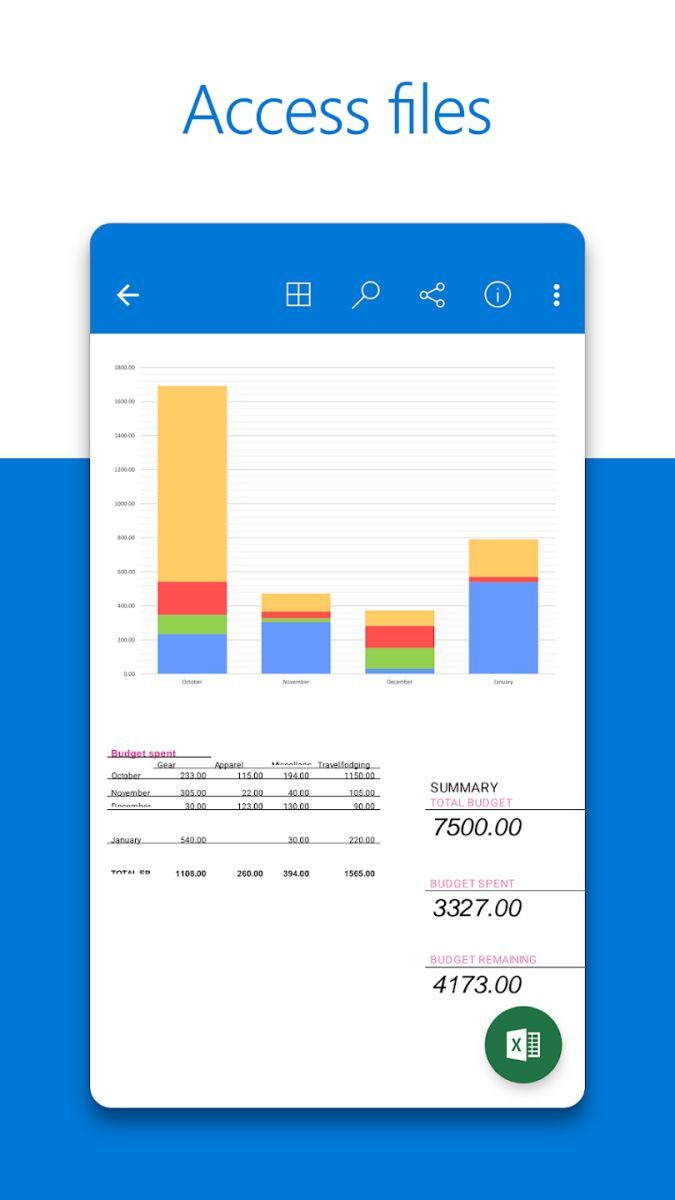
One of the core features of Microsoft OneDrive is its seamless integration with the entire Microsoft Office suite. You can create, edit, and collaborate on documents, spreadsheets, and presentations directly from the app, making it an essential tool for productivity and teamwork.
Besides its office capabilities, OneDrive allows you to back up your photos, videos, and important documents in the cloud, ensuring that your valuable memories and files are safe and accessible anytime, anywhere. The automatic syncing feature ensures that your files are always up to date across all your devices.
Microsoft OneDrive offers a user-friendly interface that is easy to navigate, even for beginners. The intuitive design and seamless functionality make it a reliable choice for individuals and businesses looking for a secure cloud storage solution.
With OneDrive, you can easily share files with colleagues, collaborate in real-time on projects, and access your files offline when needed. The flexibility and convenience of OneDrive enhance your workflow and simplify the way you manage your digital assets.
Imagine being able to access your work files on your laptop, continue editing them on your tablet during your commute, and then present them from your smartphone in a meeting – all thanks to Microsoft OneDrive. Whether you are working remotely, studying at a university, or simply organizing your personal files, OneDrive adapts to your needs seamlessly.
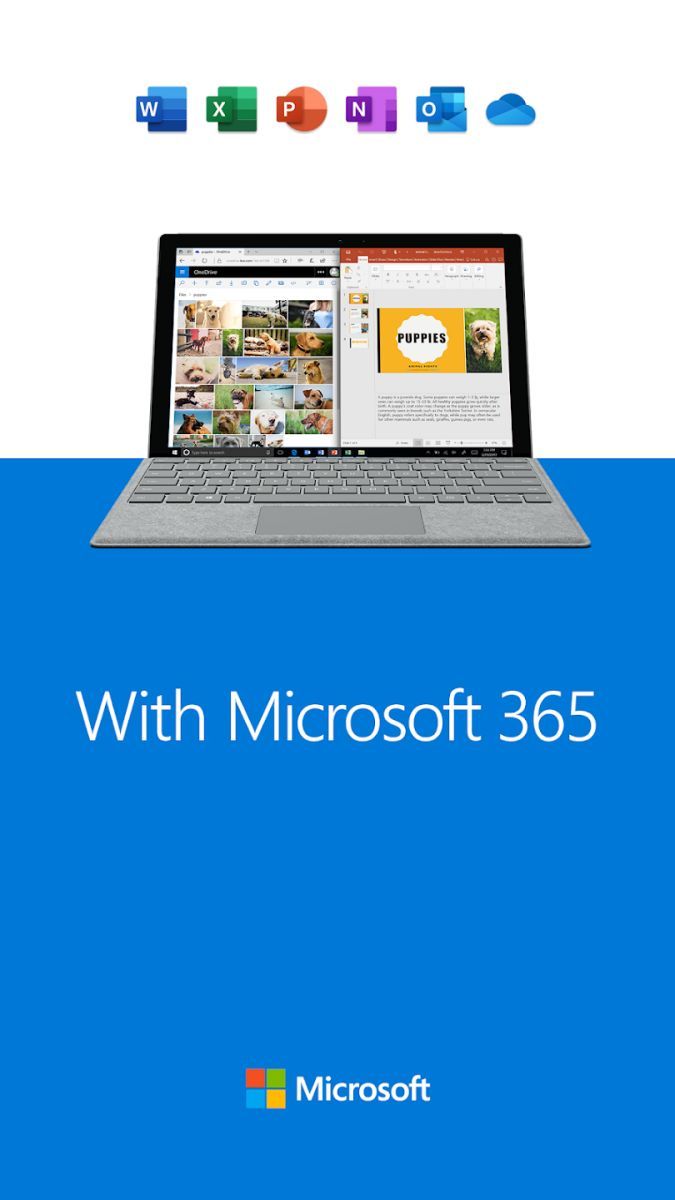
OneDrive stands out for its deep integration with the Microsoft ecosystem, offering a cohesive experience across Windows, Mac, iOS, and Android devices. The cross-platform compatibility ensures that you can access your files from any device, at any time, without compromising on security or quality.
Additionally, the generous storage options and affordable subscription plans make OneDrive a cost-effective solution for individuals and businesses of all sizes. The ability to restore previous file versions, collaborate in real-time, and access files offline further solidifies OneDrive's position as a top choice for cloud storage.
While Microsoft OneDrive offers a comprehensive set of features, users should be mindful of their storage limits based on their subscription plan. It is recommended to regularly review and manage your files to optimize storage space and ensure smooth performance across devices.
Overall, Microsoft OneDrive is a powerful tool that combines convenience, security, and flexibility to meet the diverse needs of modern users. Whether you are organizing your personal files, collaborating with colleagues, or backing up important documents, OneDrive provides a reliable solution to simplify your digital life.
Advertisement
Access methods may vary depending on your device and environment. Some users may see standard installation flows, while others might be guided through web-based or alternative access points.
Availability can depend on factors such as system version, regional settings, and how the app is distributed, so the experience may differ across users.
Most apps involve a basic setup or loading process before use. The exact steps may vary depending on how the app is accessed, but they are generally designed to be straightforward.
Different apps follow different access models. Some experiences may be open to start with, while additional content or options may vary depending on how the app is structured.
Apps in this category often evolve over time, with content or experience adjusting based on updates or usage patterns.