Advertisement
Daily routines at home
Casual use during free time
While shopping or traveling
Advertisement
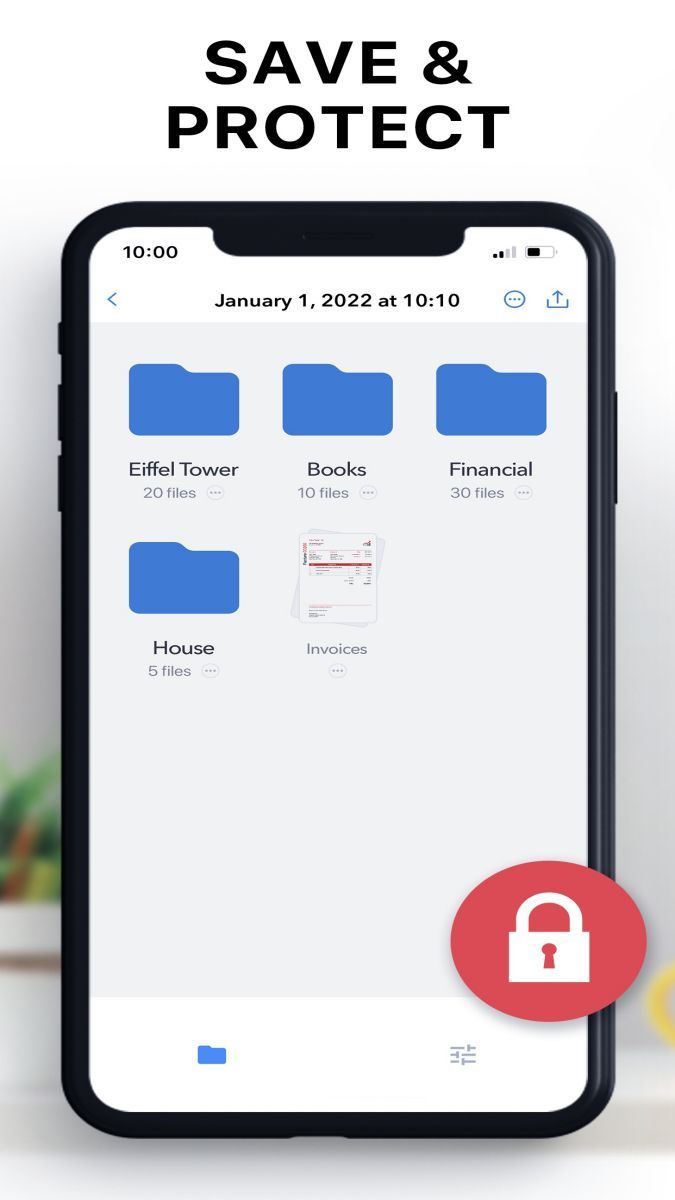
Scanner is a powerful and versatile application designed to meet all your document scanning needs. Whether you are a student, a professional, or simply someone looking to digitize their paperwork, Scanner offers a comprehensive set of features to make the scanning process seamless and efficient.
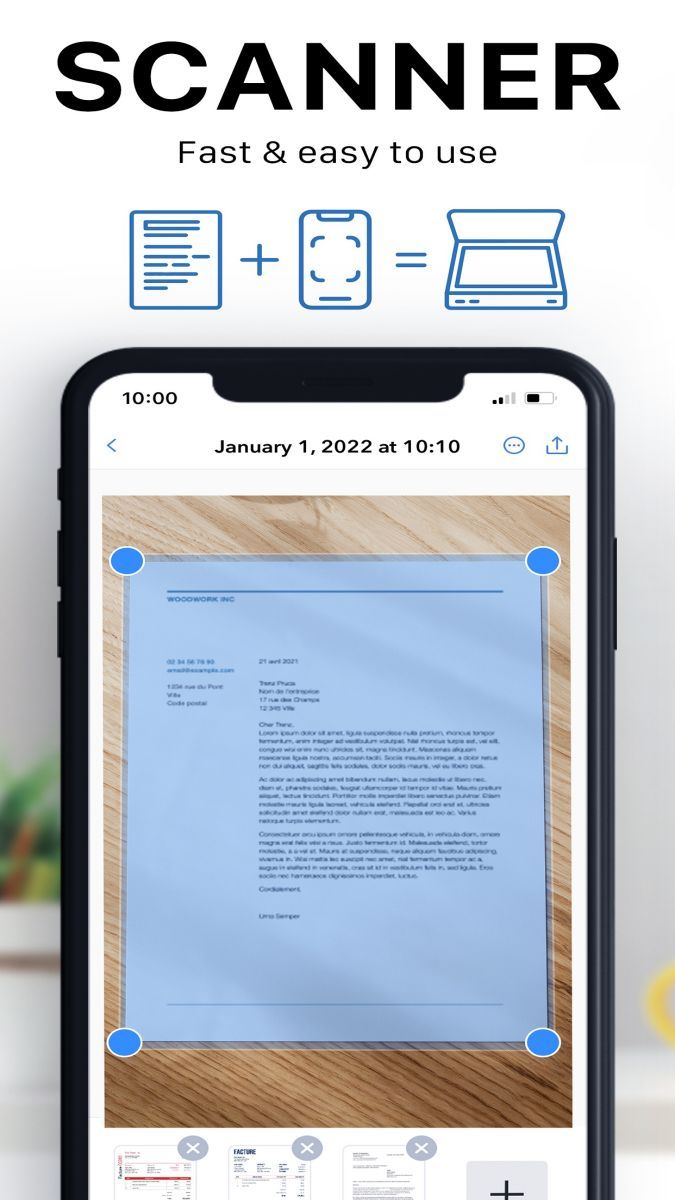
With Scanner, you can easily turn your smartphone into a portable scanner. The app allows you to scan documents, receipts, business cards, and more with just a few taps. You can then save the scanned files as PDFs or images, making it convenient to organize and share your documents digitally.
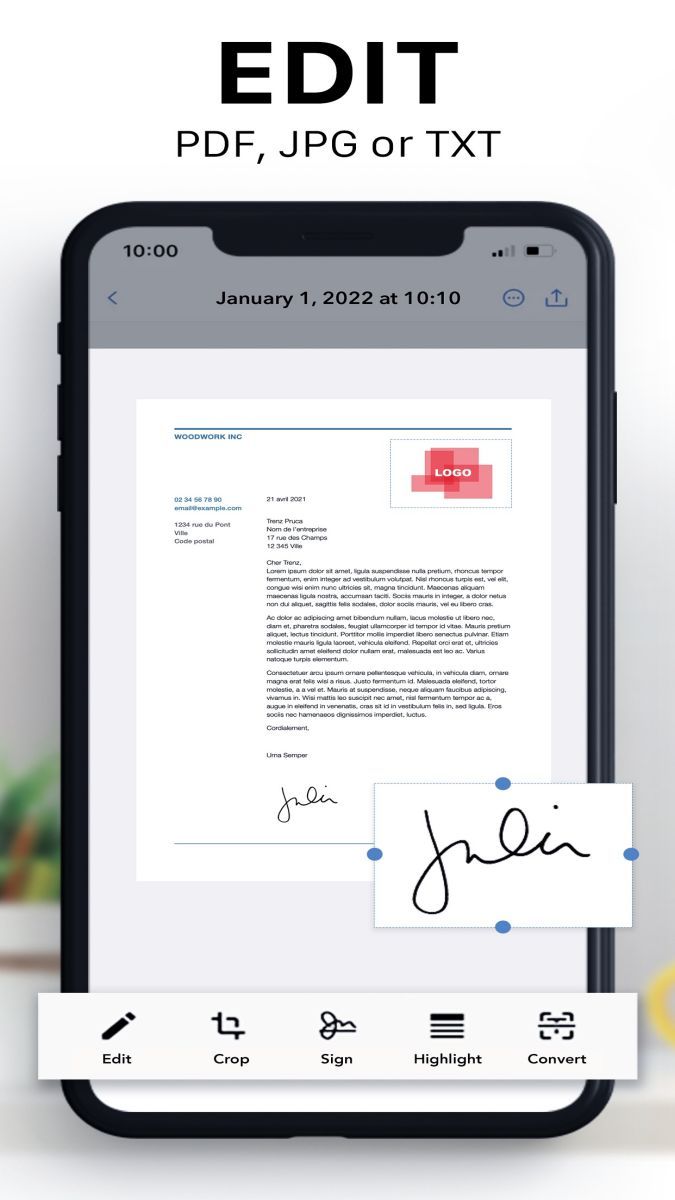
Scanner also comes with advanced editing tools, such as cropping, rotating, and adjusting the color of your scans. This ensures that your digitized documents are clear, professional-looking, and ready to be shared or stored securely on your device or in the cloud.
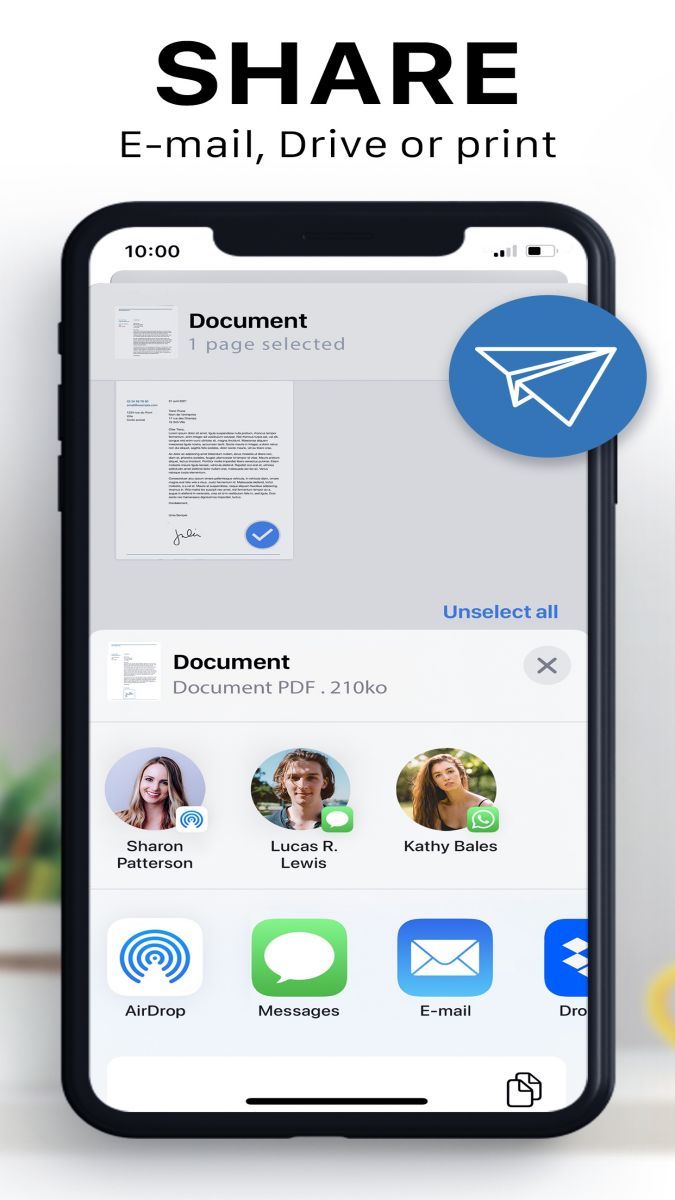
By using Scanner, you can bid farewell to bulky scanners and tedious scanning processes. The app offers a quick and efficient way to digitize your documents on the go, saving you time and effort. Whether you need to send an important contract, keep track of your expenses, or organize your study notes, Scanner simplifies the process and enhances your productivity.
Imagine you are at a conference and need to quickly scan a handout. With Scanner, you can capture the document using your phone's camera, edit it as needed, and share it with your colleagues within minutes. Similarly, if you come across a recipe in a magazine that you want to save, Scanner allows you to scan and store it digitally for easy access in the kitchen.
One of the standout features of Scanner is its seamless integration with cloud storage services. You can easily upload your scanned documents to platforms like Google Drive, Dropbox, or iCloud, ensuring that your files are backed up and accessible across devices. Additionally, Scanner offers OCR (optical character recognition) functionality, allowing you to extract text from your scans for editing or searching.
While Scanner is a versatile tool for document scanning, it may have limitations in scanning highly detailed or complex documents. It is recommended to use the app in well-lit environments and ensure that the documents are placed flat for optimal scanning results.
Overall, Scanner is a reliable and user-friendly application that streamlines the document scanning process and enhances your digital workflow. Whether you are digitizing important paperwork or simply reducing clutter in your life, Scanner is a must-have tool for anyone seeking efficient document management.
Advertisement
Access methods may vary depending on your device and environment. Some users may see standard installation flows, while others might be guided through web-based or alternative access points.
Availability can depend on factors such as system version, regional settings, and how the app is distributed, so the experience may differ across users.
Most apps involve a basic setup or loading process before use. The exact steps may vary depending on how the app is accessed, but they are generally designed to be straightforward.
Different apps follow different access models. Some experiences may be open to start with, while additional content or options may vary depending on how the app is structured.
Apps in this category often evolve over time, with content or experience adjusting based on updates or usage patterns.