Advertisement
Daily routines at home
Casual use during free time
While shopping or traveling
Advertisement
Are you a music lover looking for an easy way to identify songs and explore new music? Look no further than Shazam, the ultimate app for discovering music and concerts in a simple and efficient way. Whether you're at a party, watching TV, or just walking down the street, Shazam is your go-to companion for all things music.
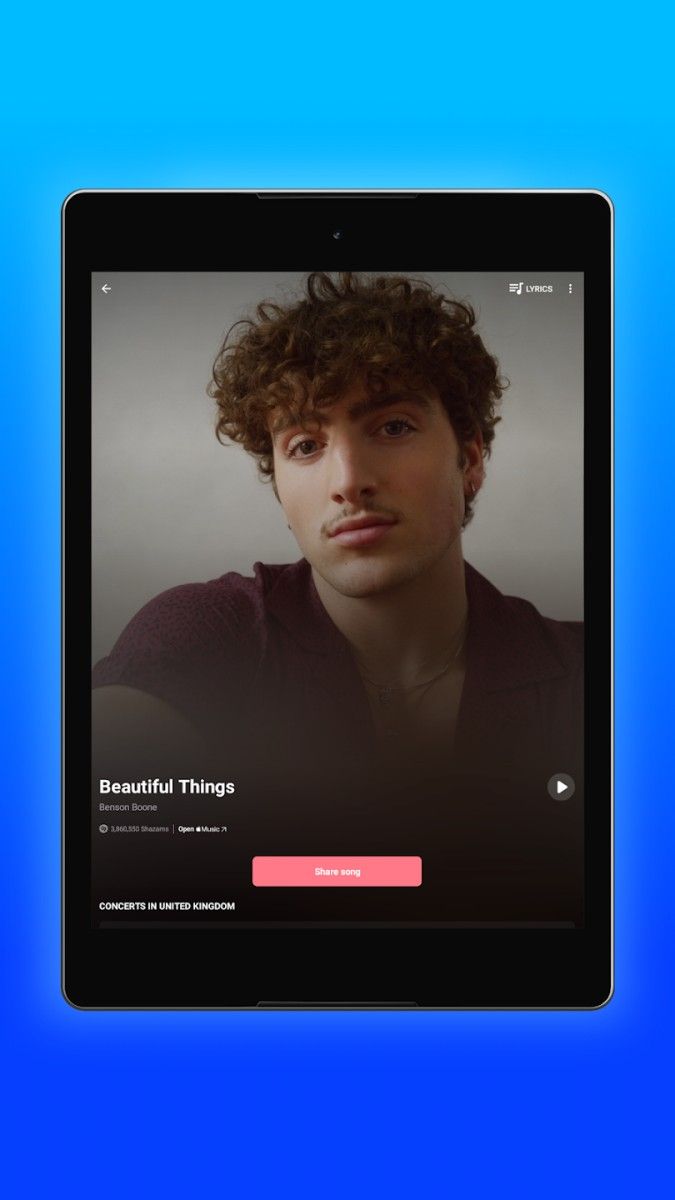
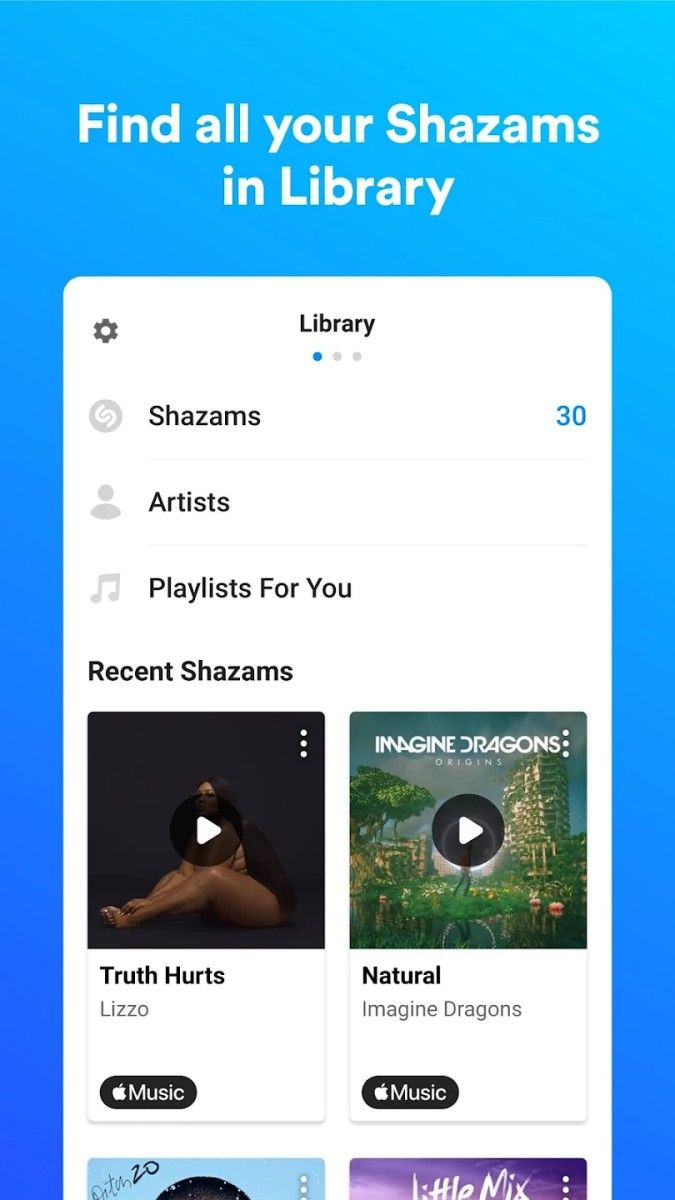
Shazam allows you to quickly identify any song playing around you with just a tap of a button. Simply open the app, hold your phone towards the music, and within seconds, you'll have all the information you need about the song, including the title, artist, and album. You can also listen to a preview of the song, add it to your favorites, or even purchase it directly from the app.
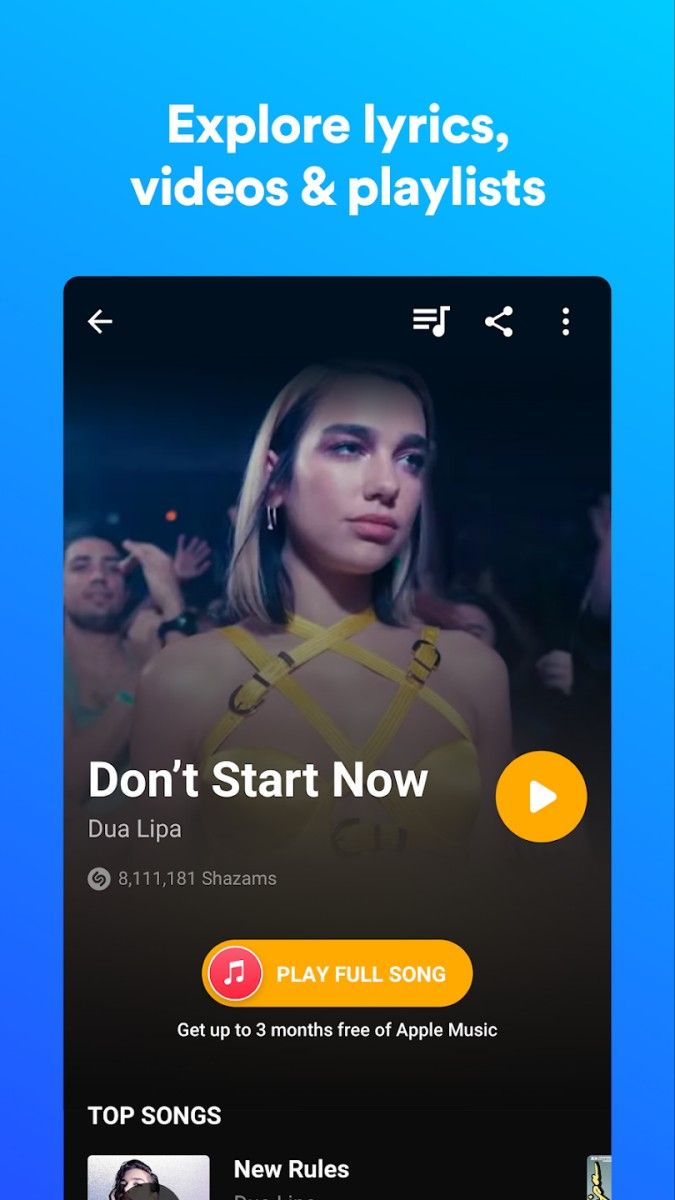
But Shazam is not just about identifying songs. It also helps you explore new music based on your preferences. The app provides personalized recommendations, music charts, and playlists to keep you up to date with the latest trends in the music world. You can also follow your favorite artists, see what they're currently listening to, and get notified about upcoming concerts and events near you.
Shazam's practical value lies in its ability to make your music discovery process seamless and enjoyable. No more struggling to remember a song's lyrics to search for it later - with Shazam, you can find any song with ease. The app's user-friendly interface and intuitive design ensure a smooth and hassle-free experience for users of all ages.
Imagine you're at a coffee shop and you hear a catchy tune playing in the background. Instead of asking the barista or trying to Google the lyrics, you simply open Shazam, let it listen to the song, and voilà - you have all the details about the track in an instant. You can then save it for later, share it with friends, or even create a playlist of similar songs.
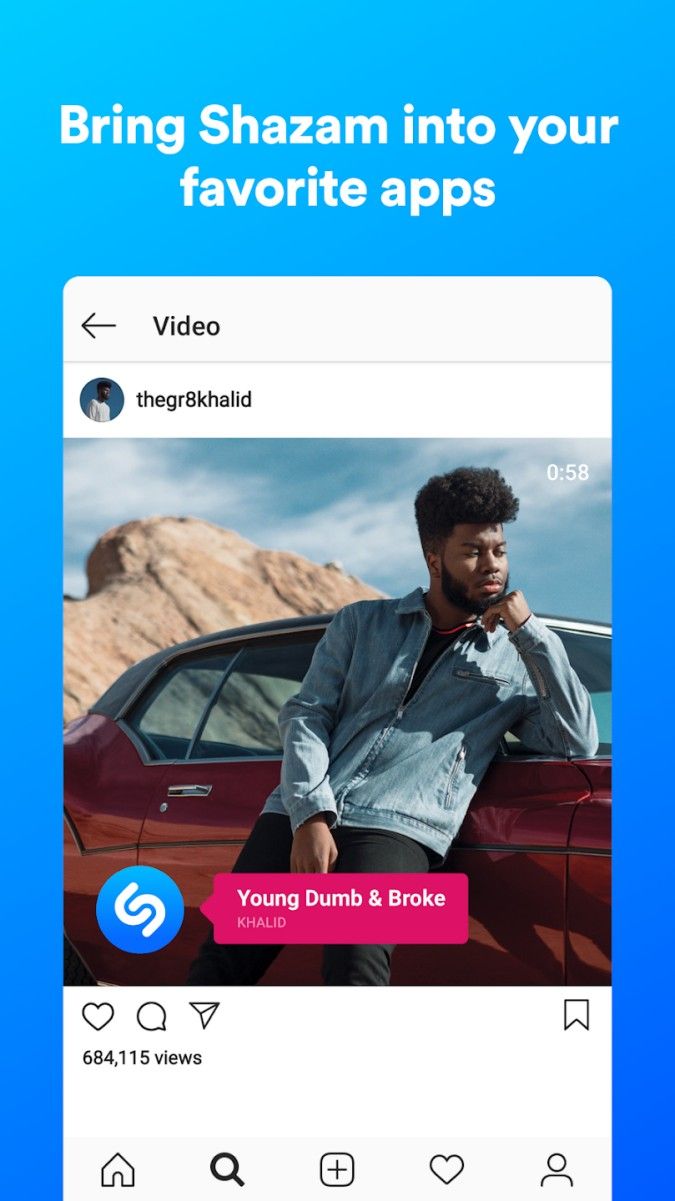
One of the unique advantages of Shazam is its vast database of songs, covering a wide range of genres and languages. Whether you're into pop, rock, hip-hop, or classical music, Shazam has got you covered. Additionally, the app's seamless integration with music streaming platforms allows you to listen to full tracks, create playlists, and stay connected to your favorite artists with just a few clicks.
While Shazam excels in identifying popular and mainstream songs, it may sometimes struggle with recognizing more obscure or niche tracks. Additionally, the app's concert notifications are based on your location services, so make sure to enable them for accurate event updates.
Overall, Shazam is a must-have app for music enthusiasts who want to enhance their listening experience, discover new artists, and stay connected to the vibrant world of music. With its seamless song identification, personalized recommendations, and concert alerts, Shazam is your ultimate music companion on the go.
Advertisement
Access methods may vary depending on your device and environment. Some users may see standard installation flows, while others might be guided through web-based or alternative access points.
Availability can depend on factors such as system version, regional settings, and how the app is distributed, so the experience may differ across users.
Most apps involve a basic setup or loading process before use. The exact steps may vary depending on how the app is accessed, but they are generally designed to be straightforward.
Different apps follow different access models. Some experiences may be open to start with, while additional content or options may vary depending on how the app is structured.
Apps in this category often evolve over time, with content or experience adjusting based on updates or usage patterns.