Advertisement
Daily routines at home
Casual use during free time
While shopping or traveling
Advertisement
Are you a photography enthusiast looking to take your photo editing skills to the next level? Look no further than Snapseed – a powerful and versatile photo editing app that offers a wide range of tools and features to help you enhance your images with ease.
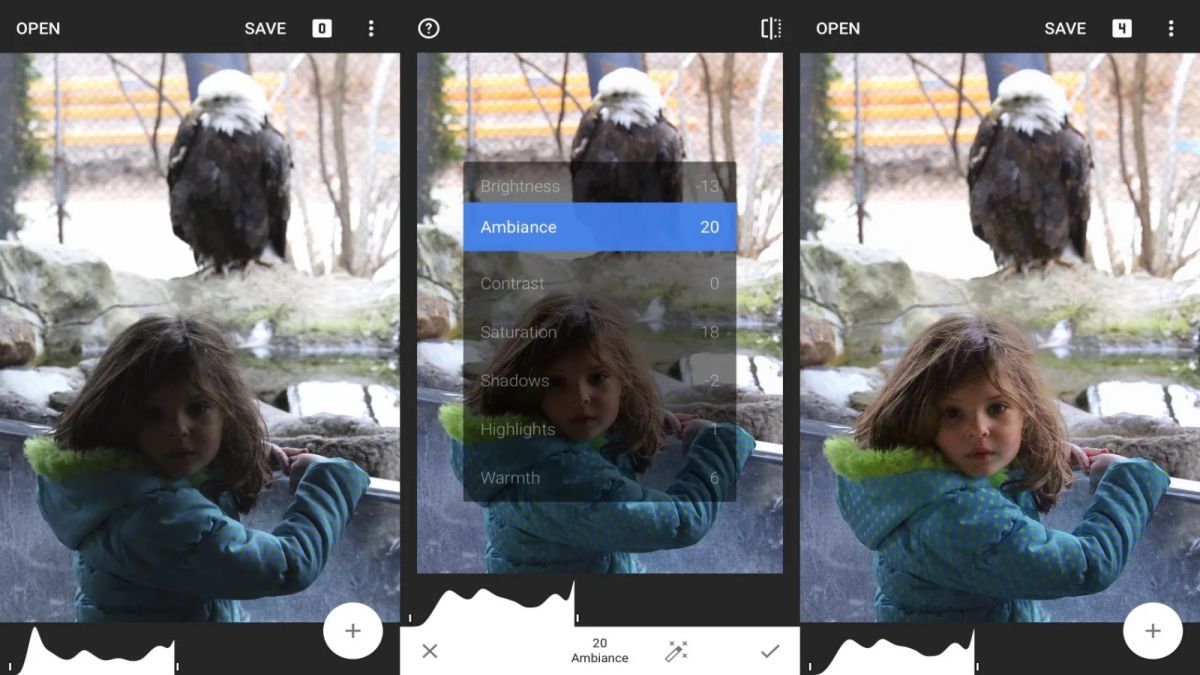
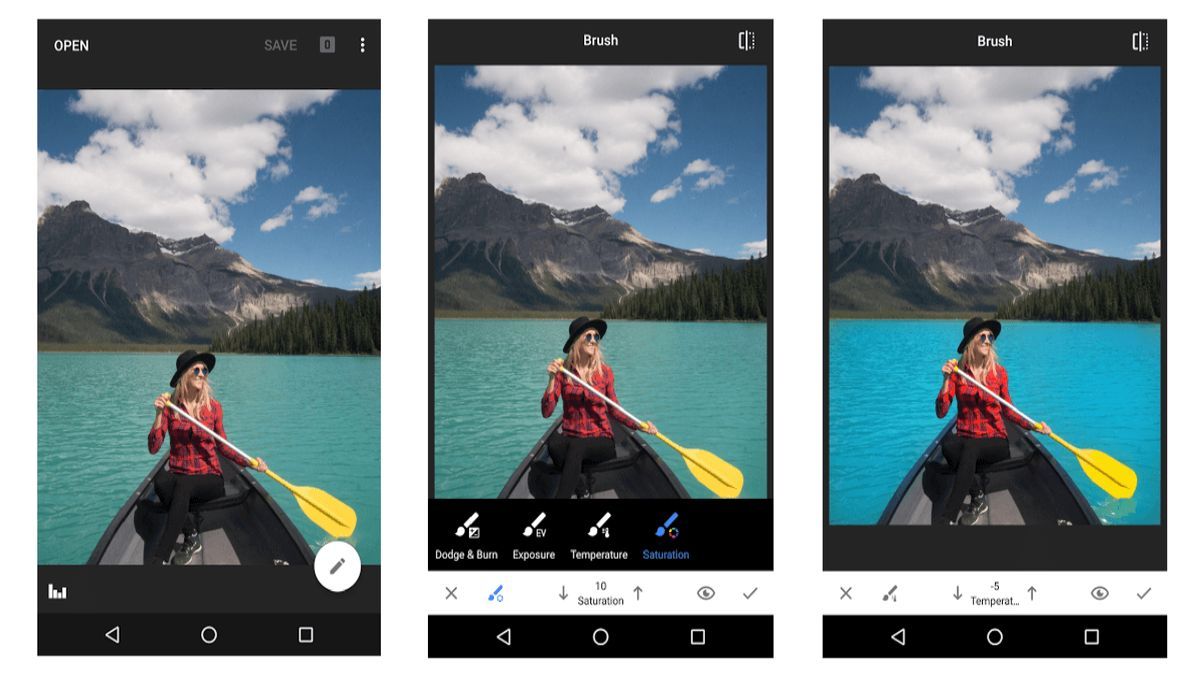
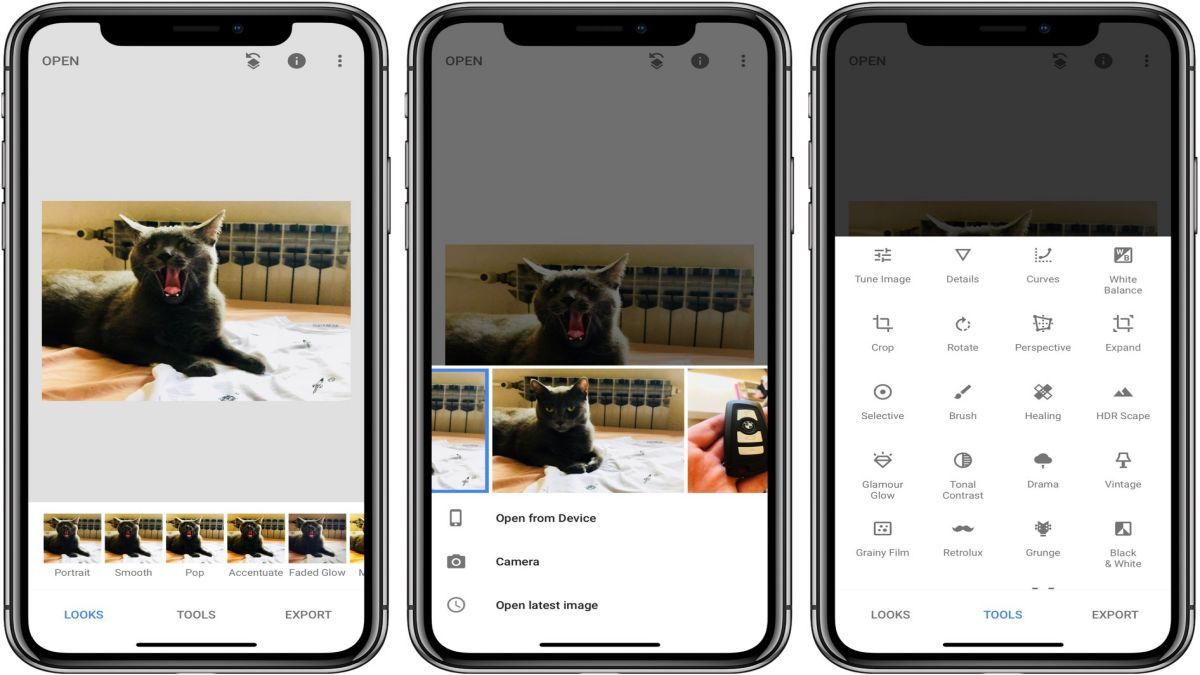
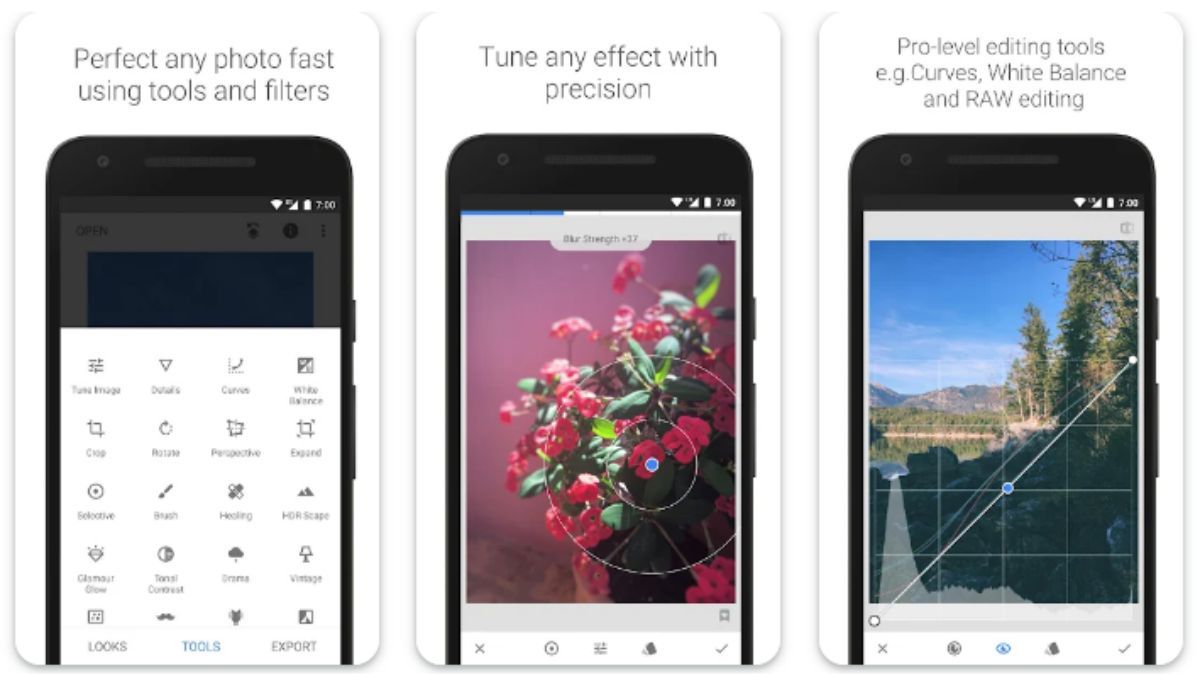
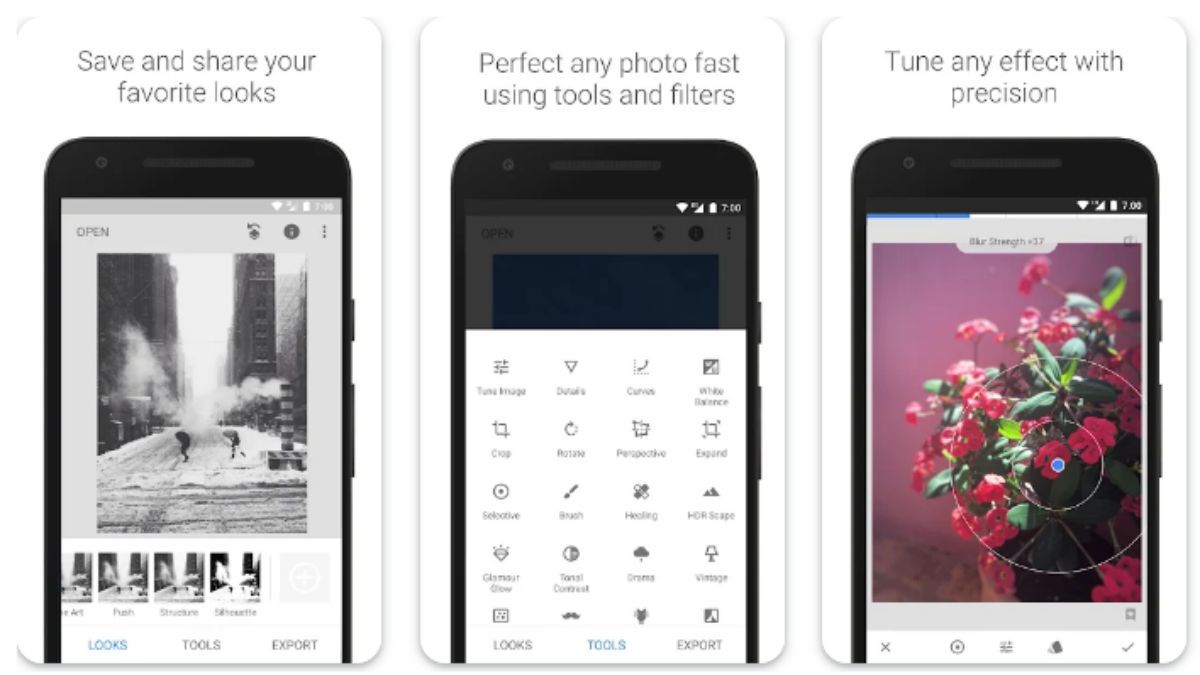
Snapseed is equipped with a variety of editing tools such as Tune Image, Details, Crop, Rotate, White Balance, and many more. Whether you are looking to adjust the brightness, contrast, or colors of your photos, or add creative effects, Snapseed has got you covered. The app also offers advanced features like selective editing and perspective correction, allowing you to fine-tune your images with precision.
With its user-friendly interface and intuitive controls, Snapseed makes photo editing a breeze for both beginners and advanced users. The app provides non-destructive editing, meaning you can experiment with different effects and adjustments without altering the original image. This ensures that you can always revert to the original photo if needed, giving you the freedom to explore your creativity without limitations.
Snapseed is perfect for a wide range of photography enthusiasts, including hobbyists, professionals, and social media influencers. Whether you want to enhance your travel photos, create stunning portraits, or elevate your Instagram feed, Snapseed offers the tools you need to make your images stand out.
One of the standout features of Snapseed is its selective editing tool, which allows you to apply adjustments to specific areas of your image. This level of control enables you to highlight certain elements, correct imperfections, or create unique effects, giving your photos a professional touch. Additionally, Snapseed offers a variety of presets and filters that can instantly transform your photos with just a few taps.
While Snapseed provides a comprehensive set of editing tools, it may not have all the advanced features found in professional desktop software. Users looking for extremely detailed editing capabilities or specific niche tools may find Snapseed lacking in some areas. Additionally, due to the app's extensive range of features, it may take some time for new users to familiarize themselves with all the options available.
Overall, Snapseed is a versatile and user-friendly photo editing app that offers a wide range of tools and features to enhance your images. Whether you are a beginner looking to improve your photos or a professional photographer seeking to fine-tune your work, Snapseed provides the tools you need to unleash your creativity and take your photos to new heights.
Advertisement
Access methods may vary depending on your device and environment. Some users may see standard installation flows, while others might be guided through web-based or alternative access points.
Availability can depend on factors such as system version, regional settings, and how the app is distributed, so the experience may differ across users.
Most apps involve a basic setup or loading process before use. The exact steps may vary depending on how the app is accessed, but they are generally designed to be straightforward.
Different apps follow different access models. Some experiences may be open to start with, while additional content or options may vary depending on how the app is structured.
Apps in this category often evolve over time, with content or experience adjusting based on updates or usage patterns.