Advertisement
Daily routines at home
Casual use during free time
While shopping or traveling
Advertisement
Design Space: DIY with Cricut is the ultimate companion for all craft enthusiasts looking to bring their creative ideas to life. Whether you're a seasoned crafter or just starting out on your DIY journey, this app is designed to cater to your every need, making crafting easier and more fun than ever before.
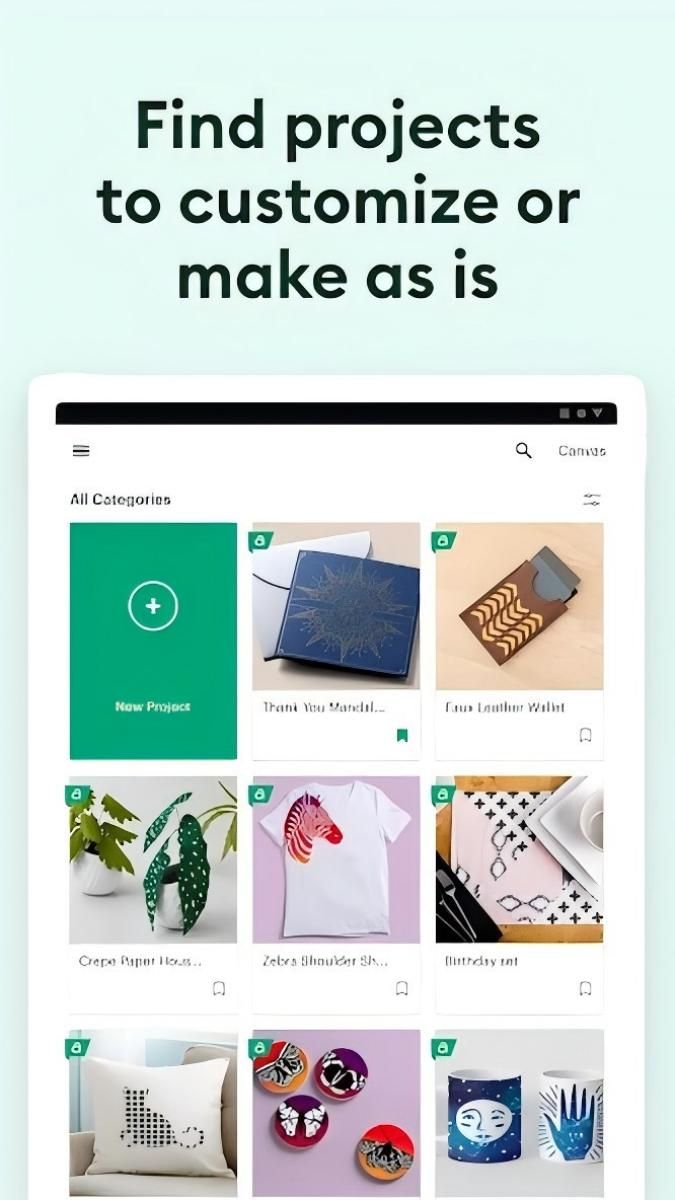
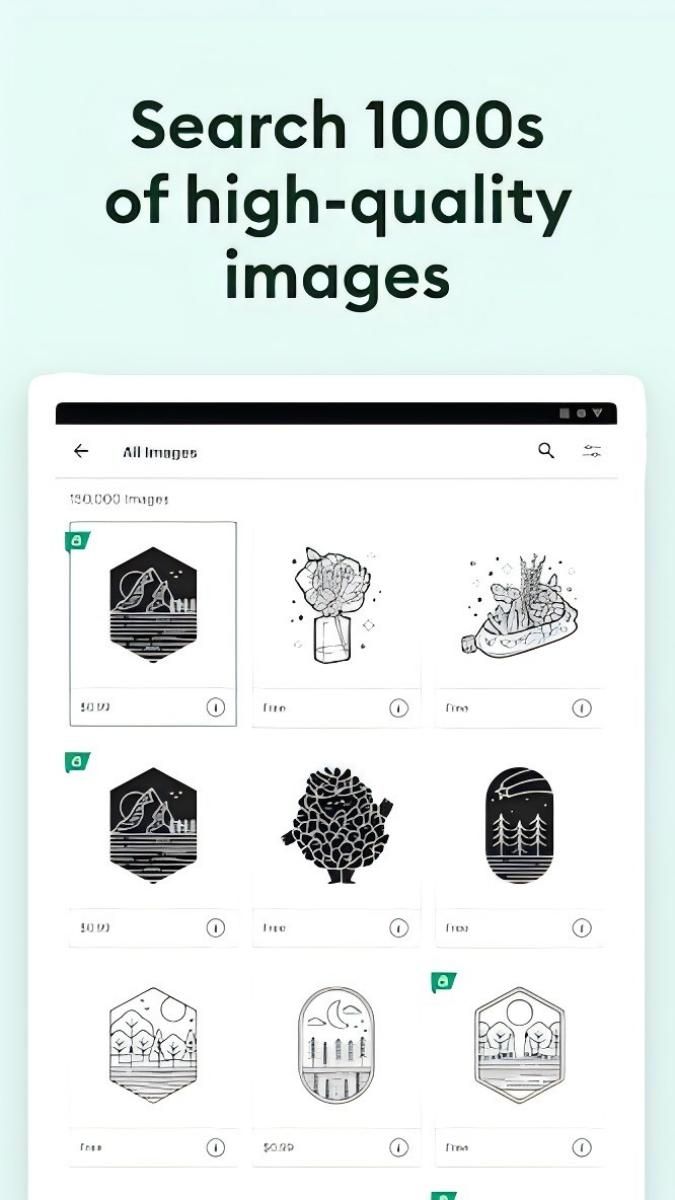
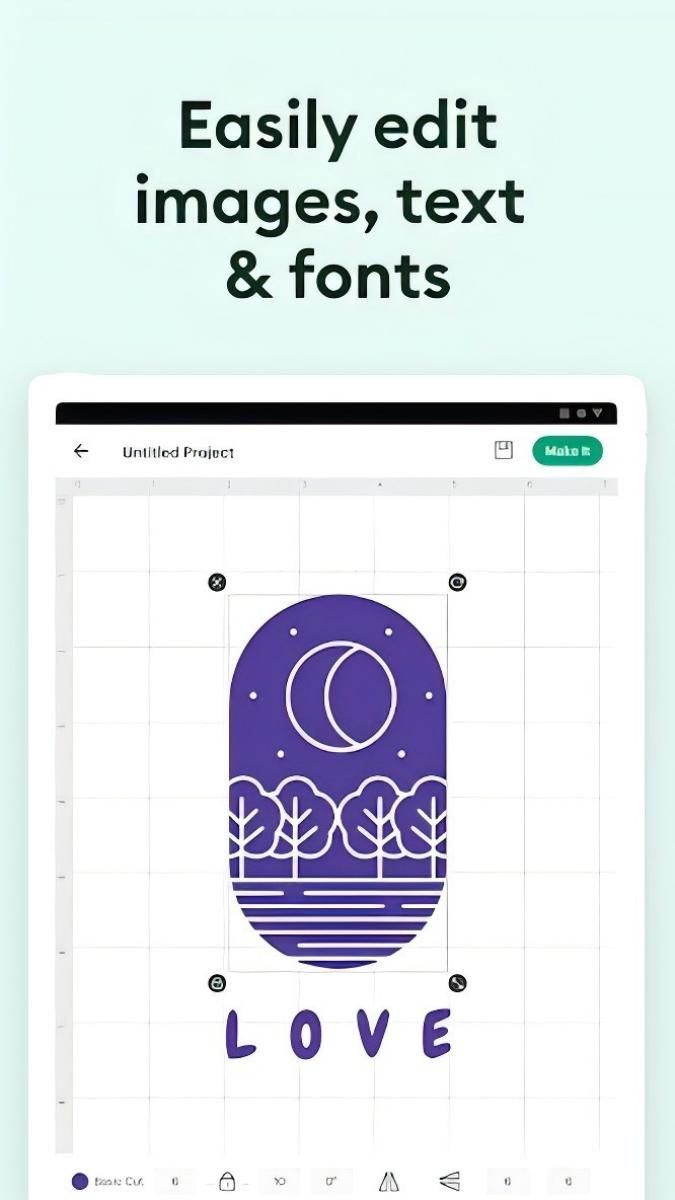
With Design Space, you can access a wide range of design tools and resources to create personalized projects across various categories such as home decor, fashion, accessories, and more. The app allows you to customize designs, choose from a vast library of images and fonts, and seamlessly integrate with Cricut cutting machines for precise cutting and crafting.
The practical value of Design Space lies in its user-friendly interface and intuitive design features that simplify the crafting process. Whether you're designing a custom t-shirt, creating intricate paper crafts, or personalizing gifts for loved ones, this app streamlines the entire DIY experience, ensuring seamless execution of your creative vision.
Design Space is perfect for a variety of crafting projects, including customizing apparel, designing decals for home decor, creating personalized gifts, and even crafting unique party decorations. The app caters to both hobbyists and professionals, offering a versatile platform to unleash your creativity in countless ways.
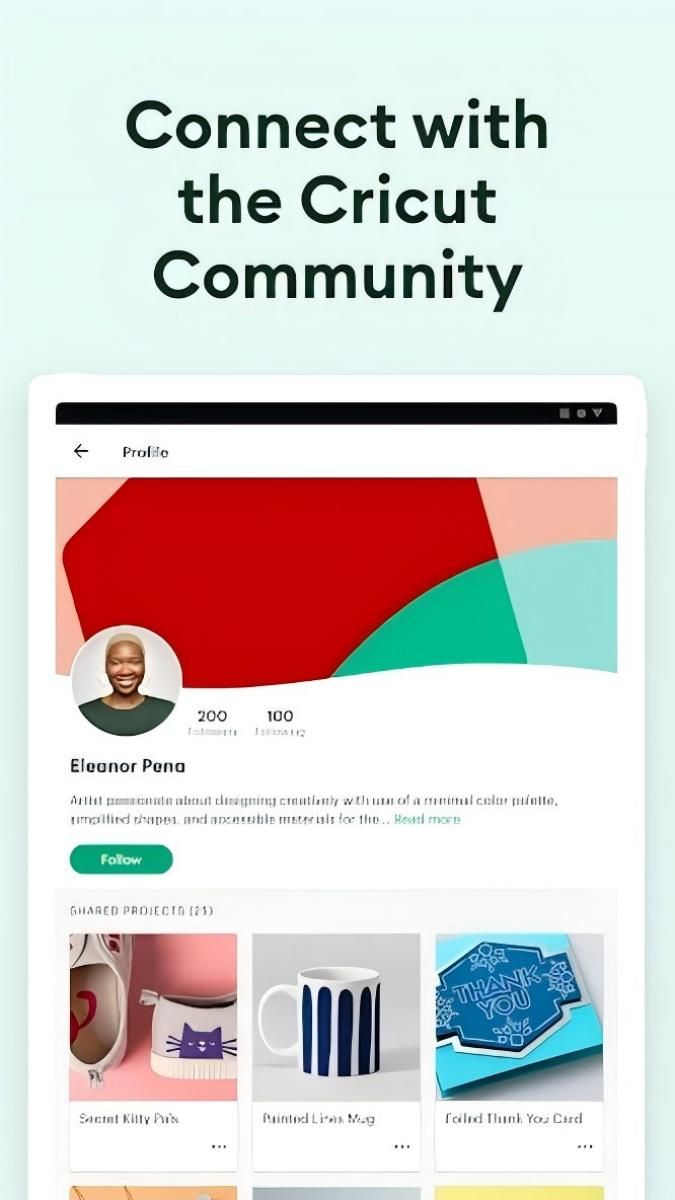
One of the standout features of Design Space is its seamless integration with Cricut cutting machines, allowing users to effortlessly transition from design to production. The app also offers cloud storage for easy access to your projects across devices, along with collaborative features to share designs with friends and fellow crafters.
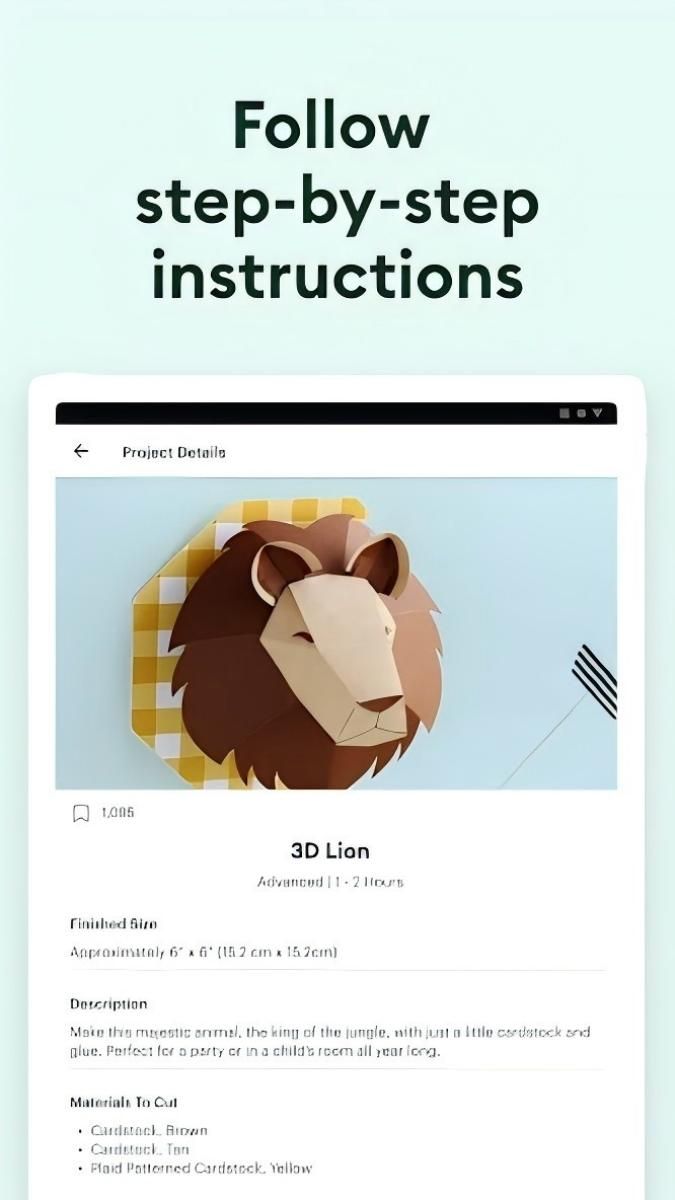
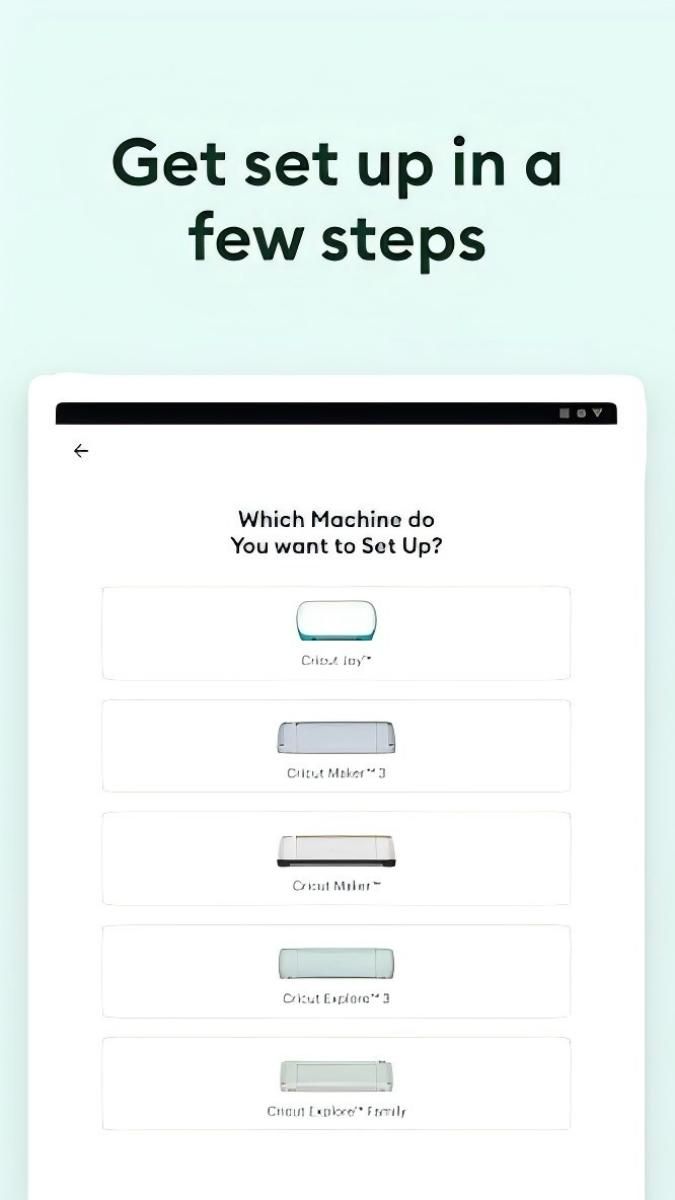
While Design Space offers a wide range of design options, some advanced features may require a subscription for full access. Additionally, users should ensure compatibility with their Cricut machines and materials to optimize crafting results. It's recommended to explore tutorials and guides within the app for a smoother crafting experience.
Overall, Design Space: DIY with Cricut is a must-have app for anyone passionate about crafting and DIY projects. From customized creations to professional-grade designs, this app empowers users to explore their artistic potential and transform their ideas into tangible masterpieces.
Advertisement
Access methods may vary depending on your device and environment. Some users may see standard installation flows, while others might be guided through web-based or alternative access points.
Availability can depend on factors such as system version, regional settings, and how the app is distributed, so the experience may differ across users.
Most apps involve a basic setup or loading process before use. The exact steps may vary depending on how the app is accessed, but they are generally designed to be straightforward.
Different apps follow different access models. Some experiences may be open to start with, while additional content or options may vary depending on how the app is structured.
Apps in this category often evolve over time, with content or experience adjusting based on updates or usage patterns.