Advertisement
Daily routines at home
Casual use during free time
While shopping or traveling
Advertisement
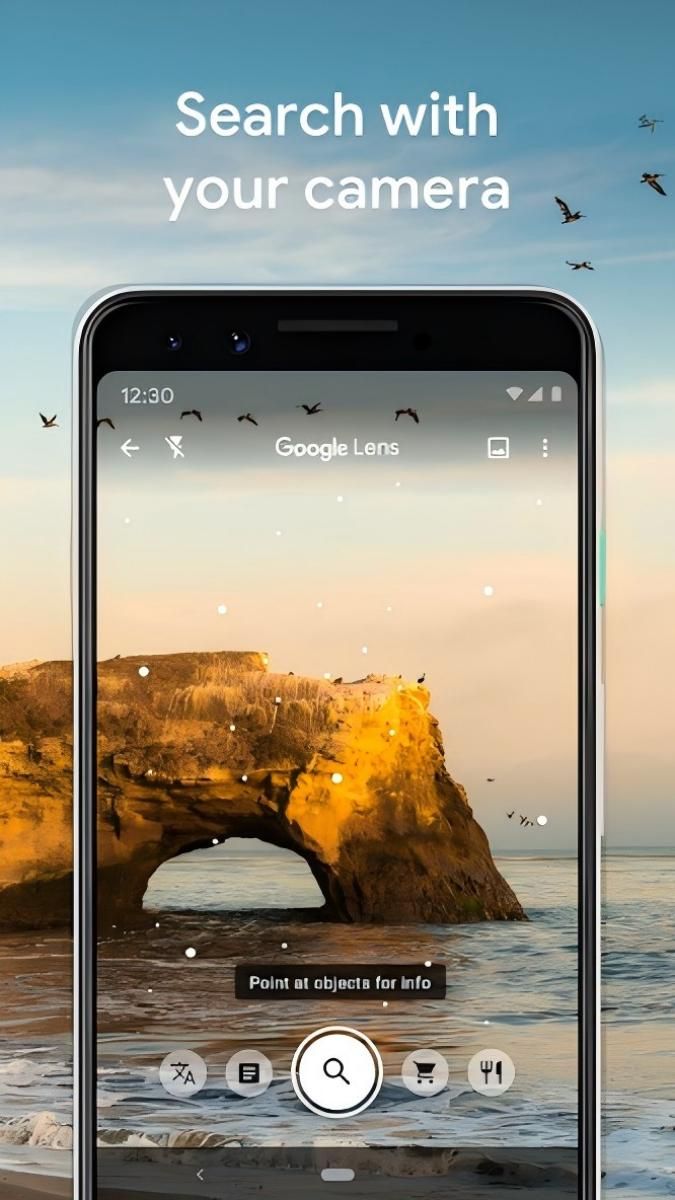
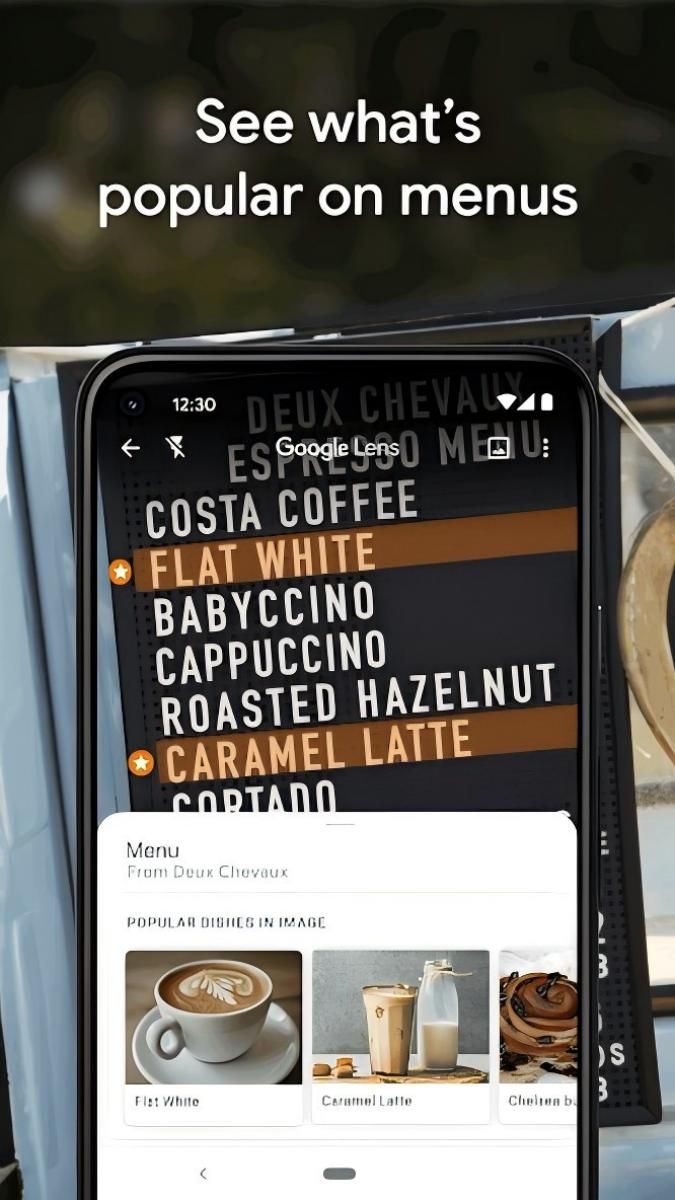
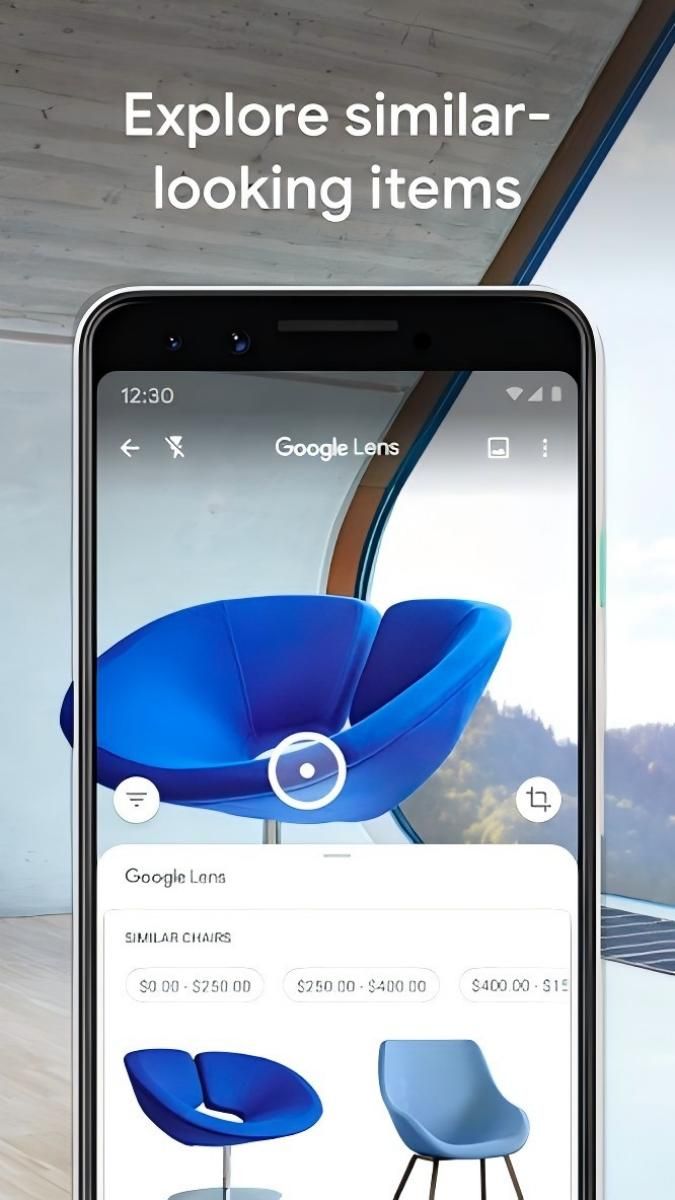
Google Lens is a cutting-edge visual search tool that allows users to explore and interact with the world around them in new and exciting ways. Whether you're looking for information on a landmark, identifying a plant, or translating a menu in a foreign language, Google Lens has got you covered.
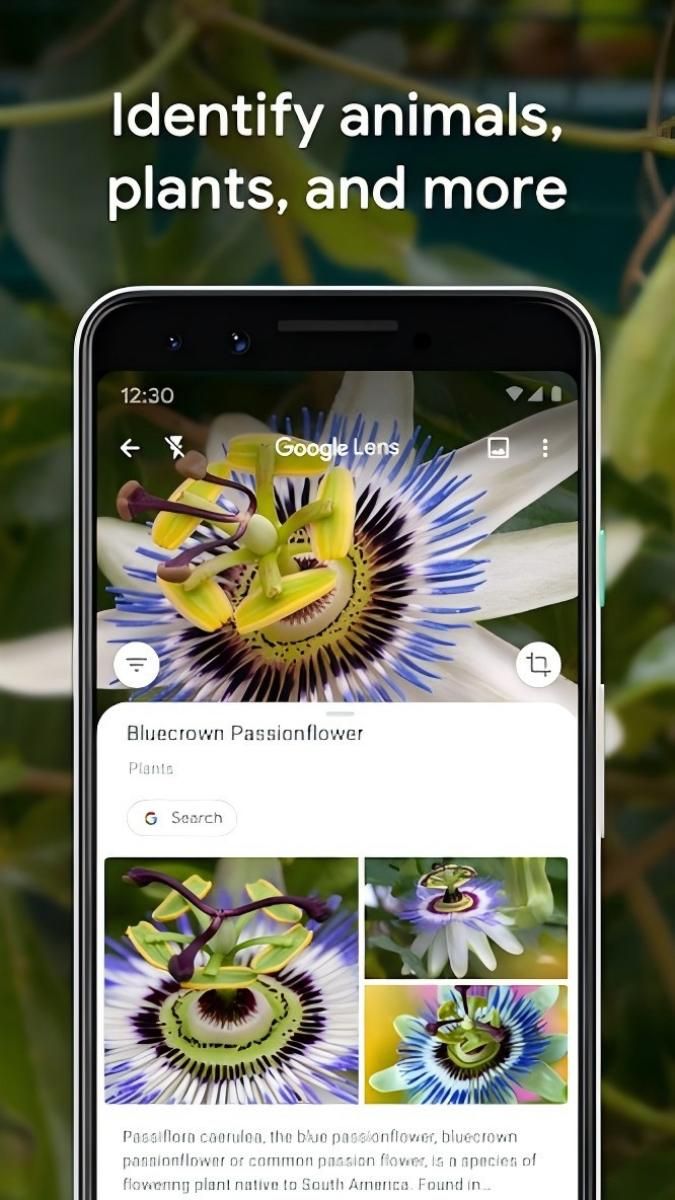
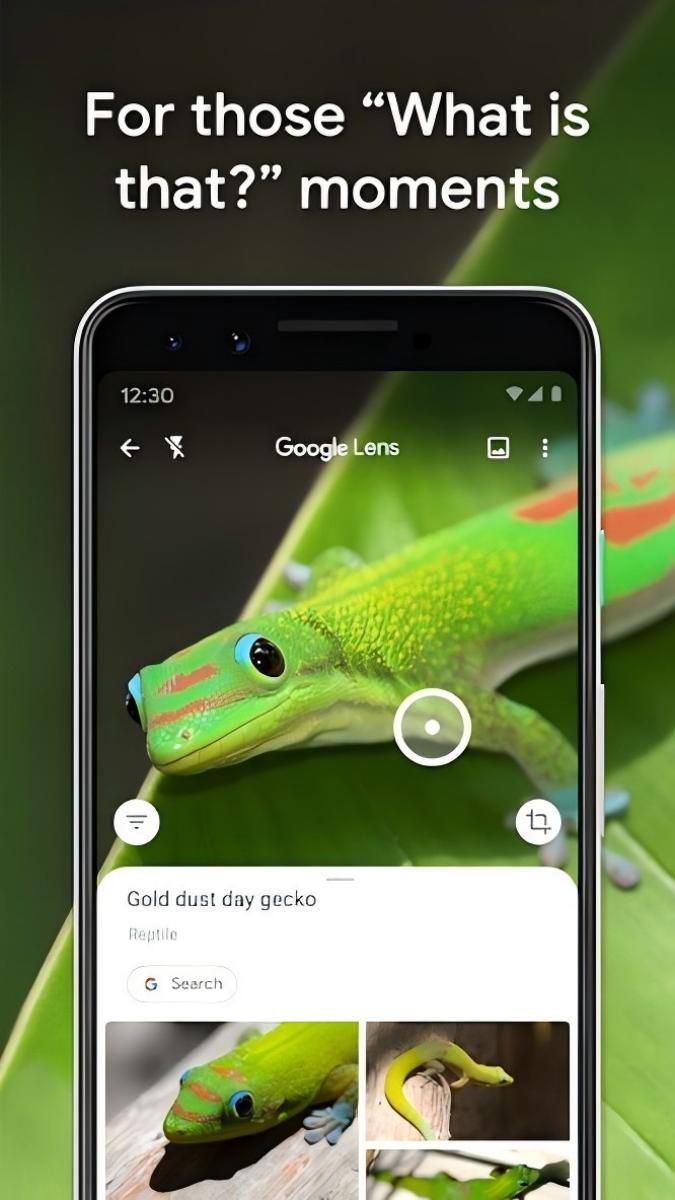
One of the core functions of Google Lens is visual search, which allows users to simply point their camera at an object to receive relevant information about it. This feature is incredibly useful for identifying plants, animals, landmarks, and even products for online shopping.
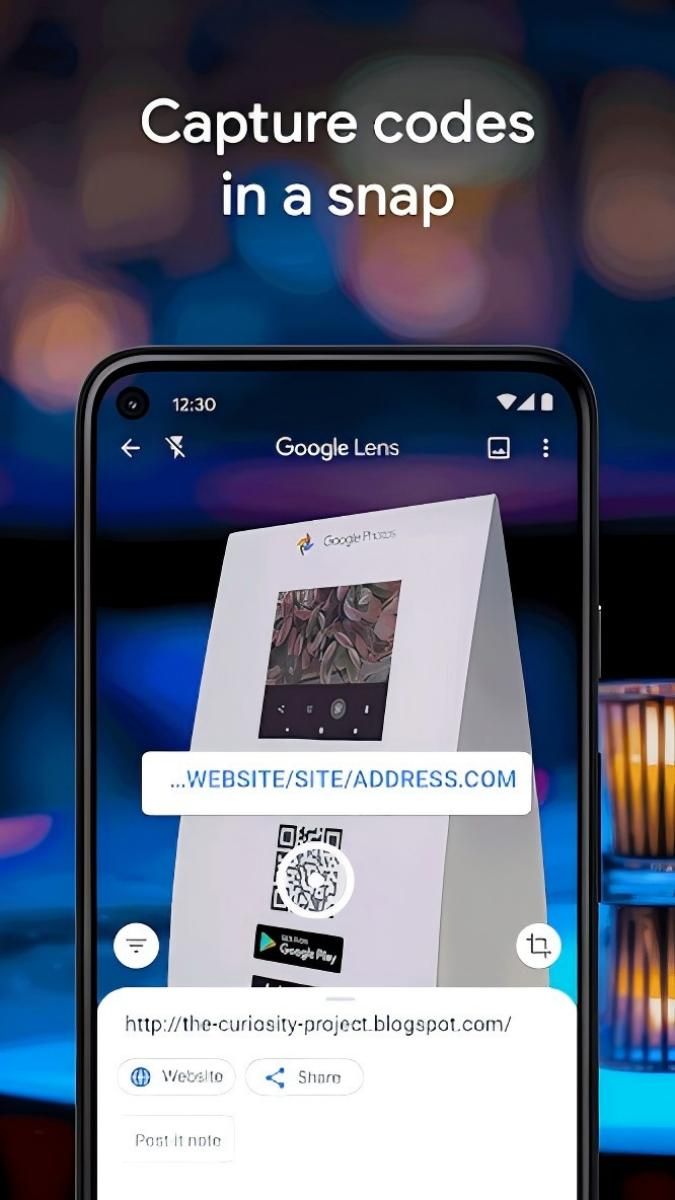
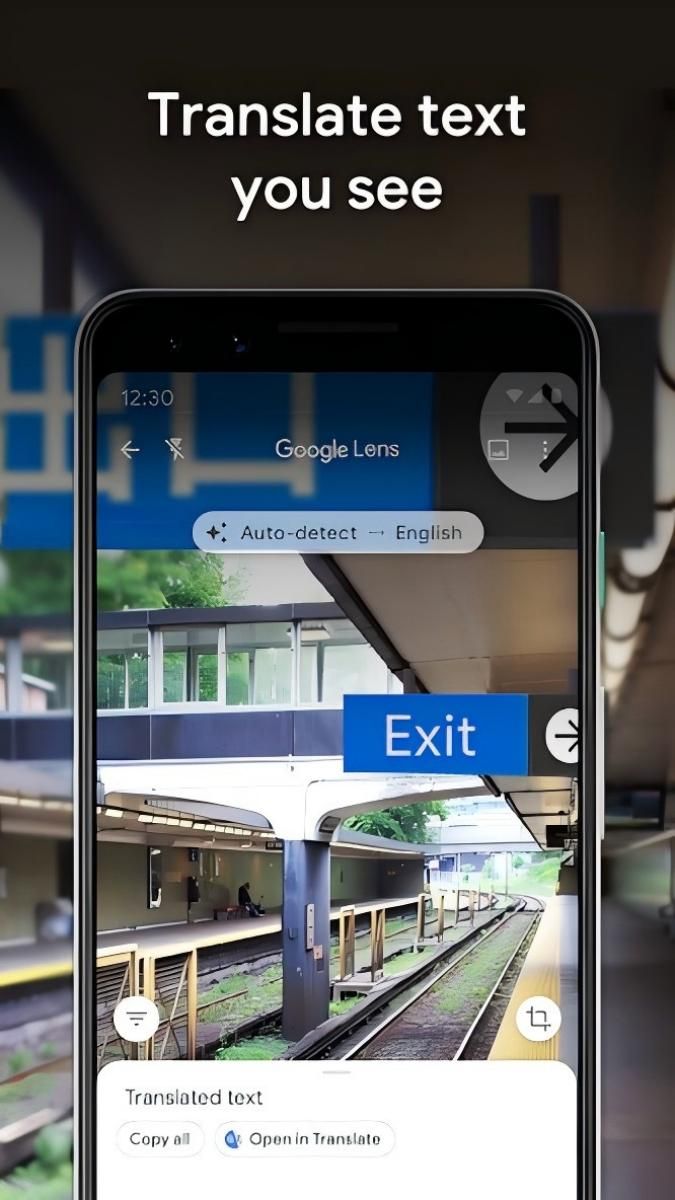
Additionally, Google Lens offers text recognition capabilities, making it easy to copy and paste text from the real world directly to your phone. This is perfect for quickly saving important information or translating text into your preferred language.
Google Lens streamlines the process of gathering information from the physical world, eliminating the need for manual searches or typing. Its intuitive interface and seamless integration with other Google services ensure a smooth and efficient user experience.
Imagine you're traveling in a foreign country and come across a sign in a language you don't understand. With Google Lens, you can simply point your camera at the text to receive an instant translation, making navigation and communication hassle-free.
Similarly, students can use Google Lens to scan and digitize notes from class, ensuring that important information is easily accessible and organized for study purposes.
What sets Google Lens apart is its advanced image recognition technology, which allows for accurate and reliable results across a wide range of objects and languages. The app's seamless integration with Google's ecosystem also enhances its functionality and convenience for users.
While Google Lens excels in recognizing a variety of objects and text, its performance may vary in low-light conditions or with complex images. Additionally, users should be mindful of privacy concerns when using the app to scan and analyze personal information.
Overall, Google Lens is a powerful tool that opens up a world of possibilities for visual exploration and information retrieval. With its innovative features and user-friendly interface, it's a must-have app for anyone looking to enhance their everyday experiences.
Advertisement
Access methods may vary depending on your device and environment. Some users may see standard installation flows, while others might be guided through web-based or alternative access points.
Availability can depend on factors such as system version, regional settings, and how the app is distributed, so the experience may differ across users.
Most apps involve a basic setup or loading process before use. The exact steps may vary depending on how the app is accessed, but they are generally designed to be straightforward.
Different apps follow different access models. Some experiences may be open to start with, while additional content or options may vary depending on how the app is structured.
Apps in this category often evolve over time, with content or experience adjusting based on updates or usage patterns.