Advertisement
Daily routines at home
Casual use during free time
While shopping or traveling
Advertisement
Are you a fan of streaming movies, TV shows, and music? Do you enjoy having access to a wide range of entertainment options right at your fingertips? If so, The Roku App is the perfect companion for you. Designed to enhance your streaming experience, this official app from Roku offers a seamless and convenient way to control your Roku devices and access a world of entertainment.
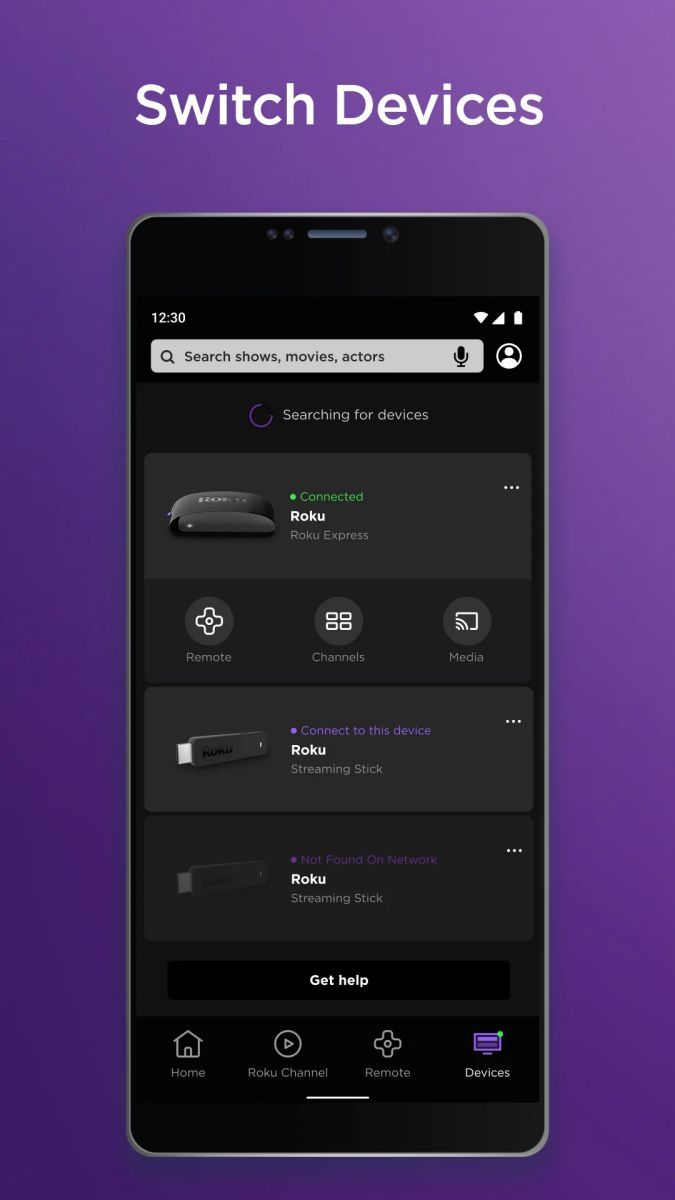
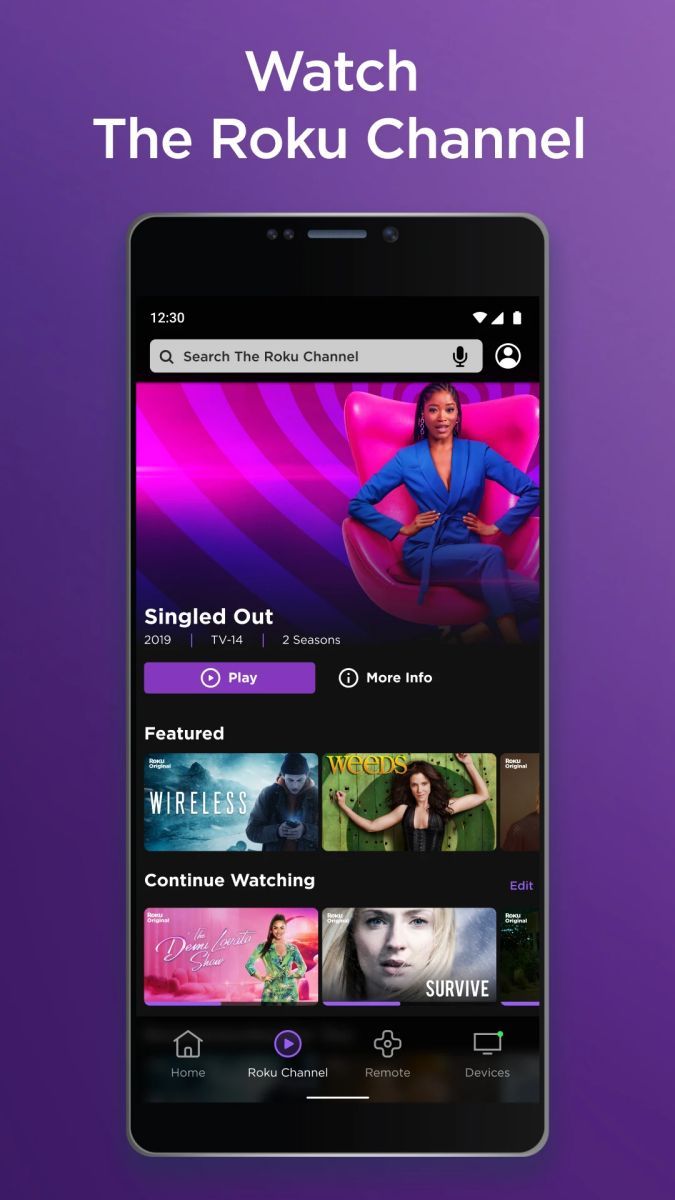
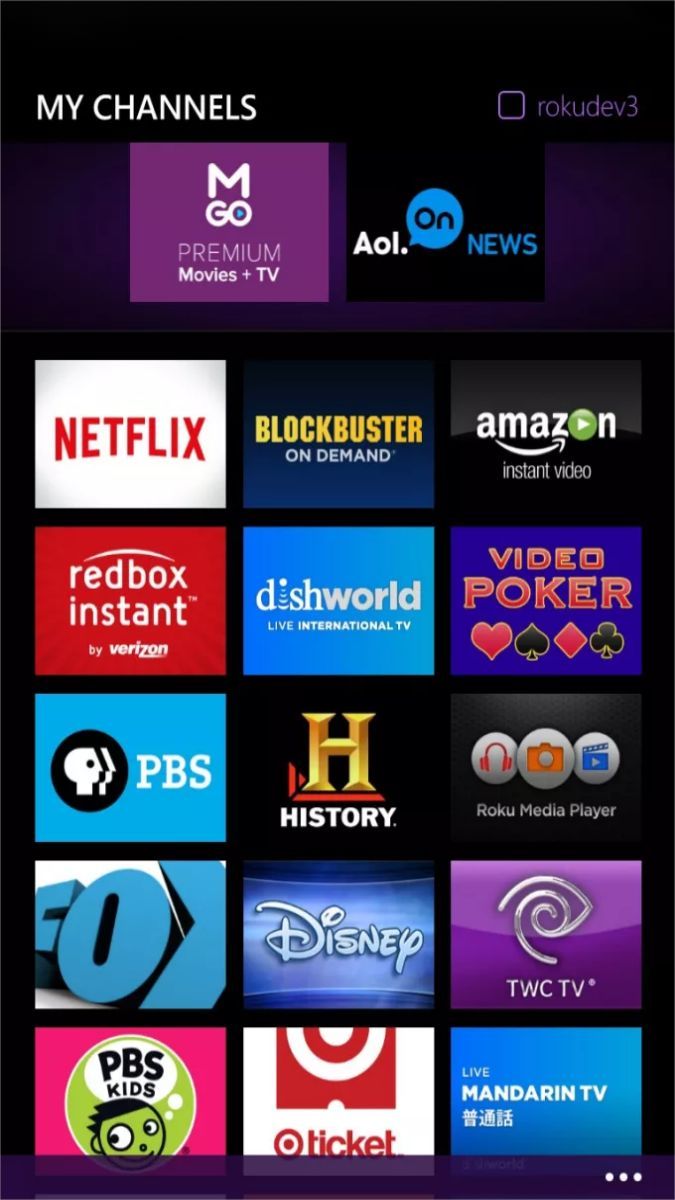
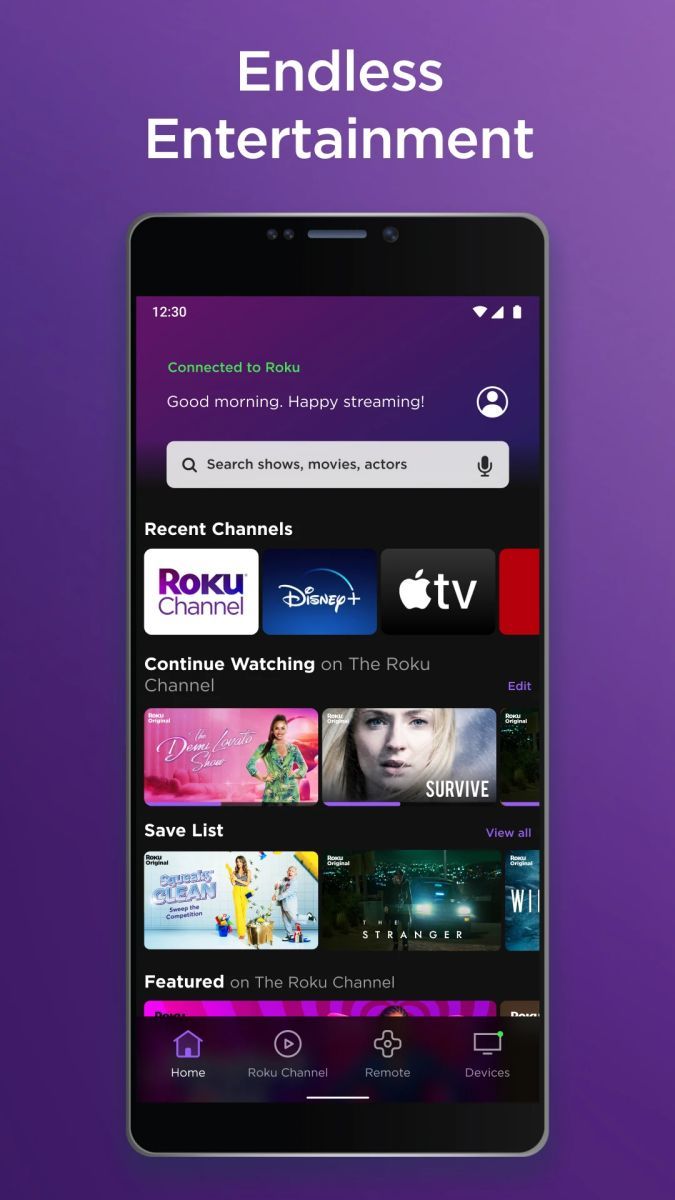
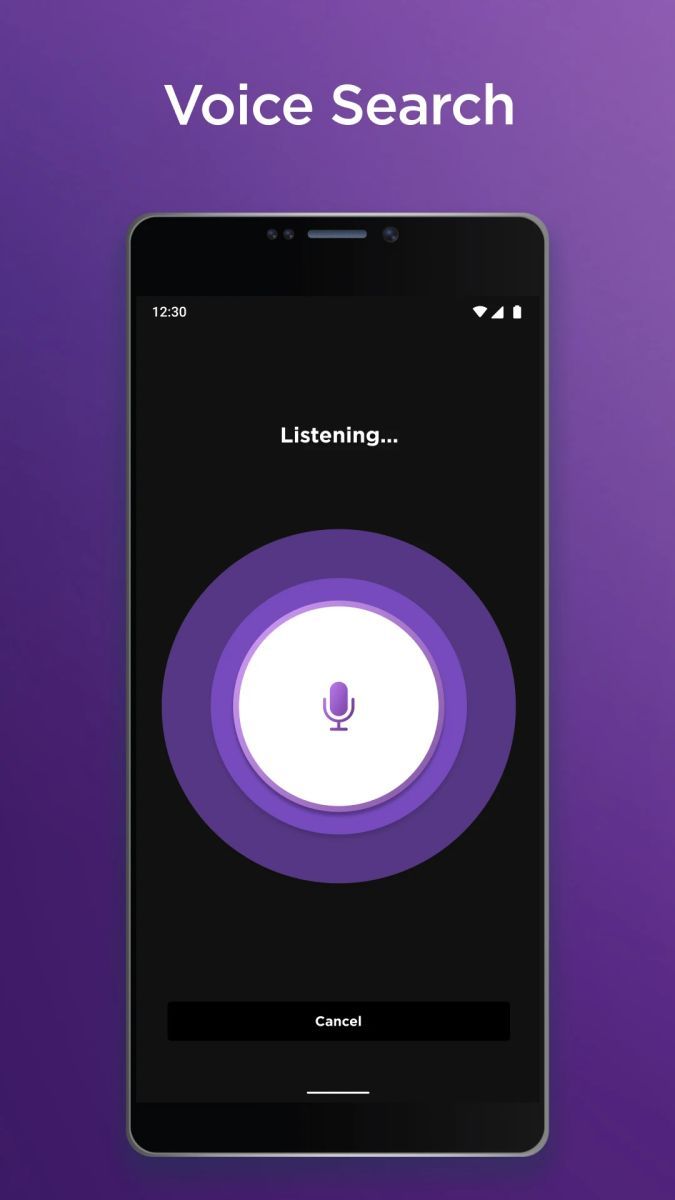
The Roku App allows you to control your Roku streaming player or Roku TV directly from your mobile device. With just a few taps on your smartphone or tablet, you can easily browse channels, search for your favorite content, and launch your preferred streaming services.
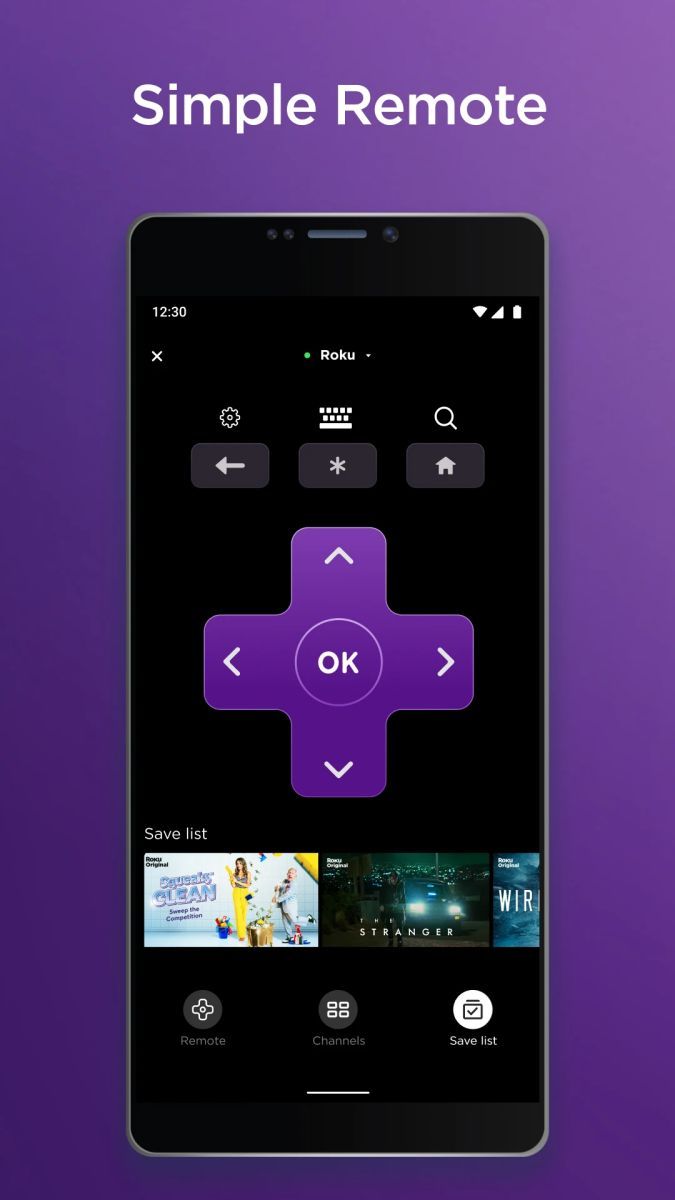
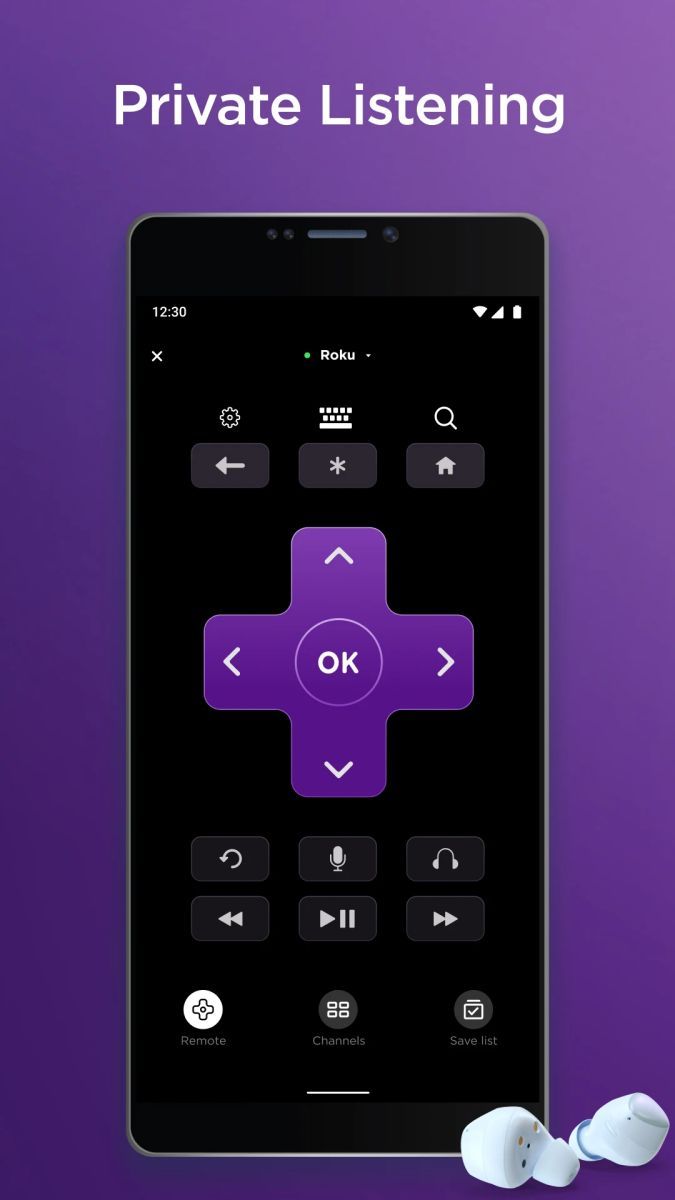
One of the standout features of The Roku App is the ability to use your mobile device as a remote control. Say goodbye to juggling multiple remotes – simply use the app to navigate, play, pause, and adjust the volume on your Roku device.
By downloading The Roku App, you not only streamline your entertainment setup but also enhance your viewing experience. The app's user-friendly interface and intuitive controls make it easy to find and enjoy the content you love, whether it's the latest blockbuster movie, a binge-worthy TV series, or a curated playlist of music.
Moreover, The Roku App keeps you connected to your entertainment, even when you're on the go. With the app installed on your mobile device, you can easily cast videos, photos, and music from your phone to your TV screen for a more immersive viewing experience.
Imagine coming home after a long day and being able to instantly launch your favorite streaming service with just a tap on your phone. Picture gathering your friends for a movie night and effortlessly controlling the playback from the comfort of your couch. These are just a few examples of how The Roku App can seamlessly integrate into your daily life and enhance your entertainment moments.
What sets The Roku App apart is its seamless integration with Roku devices, ensuring a smooth and hassle-free streaming experience. Whether you're a casual viewer or a dedicated binge-watcher, the app provides a convenient way to personalize your entertainment choices and take full control of your viewing experience.
While The Roku App offers a host of convenient features, it's important to note that a stable internet connection is crucial for optimal performance. Additionally, certain advanced functionalities may require specific Roku device models to fully utilize. Be sure to check for compatibility and keep your app updated to enjoy the latest enhancements.
Advertisement
Access methods may vary depending on your device and environment. Some users may see standard installation flows, while others might be guided through web-based or alternative access points.
Availability can depend on factors such as system version, regional settings, and how the app is distributed, so the experience may differ across users.
Most apps involve a basic setup or loading process before use. The exact steps may vary depending on how the app is accessed, but they are generally designed to be straightforward.
Different apps follow different access models. Some experiences may be open to start with, while additional content or options may vary depending on how the app is structured.
Apps in this category often evolve over time, with content or experience adjusting based on updates or usage patterns.